
Canva AI Image Generator 2026: Artificial intelligence has completely transformed how creators design visuals, and Canva AI Image Generator 2026 is leading this revolution. Whether you are a blogger, YouTuber, marketer, or entrepreneur, you no longer need advanced design skills or expensive tools to create eye-catching images.
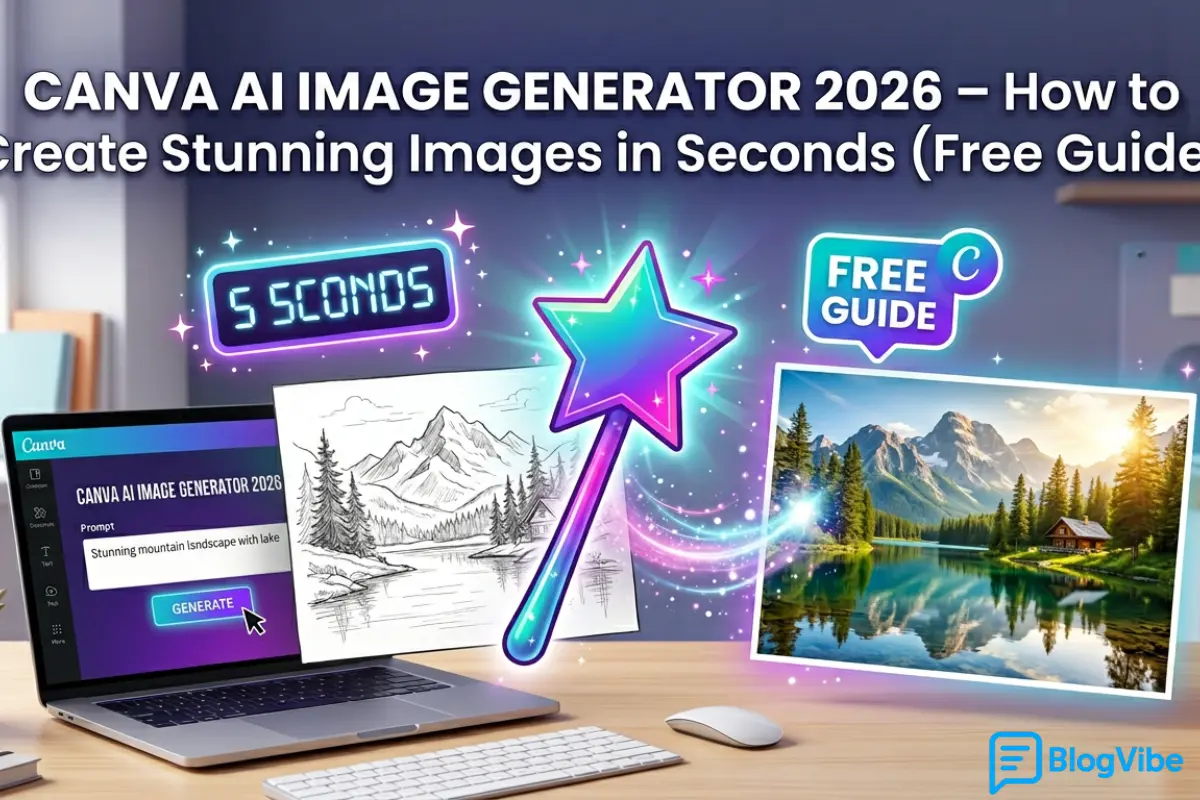
In this complete guide, you’ll learn how to use Canva’s AI tools, generate high-quality visuals in seconds, and leverage them for SEO, social media, and online business growth.
What Is Canva AI Image Generator 2026?
Canva AI Image Generator 2026 is a built-in feature inside Canva that allows users to create images using simple text prompts. Instead of designing from scratch, you just describe your idea, and the AI converts it into a professional-quality visual.
It works similarly to other tools like:
- microsoft ai image generator
- google ai image generator
- bing image generator
However, Canva stands out because it combines AI generation with powerful editing tools in one platform.
Why Canva AI Image Generator 2026 Is So Popular
The rise of ai image generator from text tools has made content creation faster than ever. Canva takes it one step further by offering an all-in-one solution.
1. Beginner-Friendly Interface
You don’t need any technical knowledge. Everything is drag-and-drop with simple prompt input.
2. Fast Image Creation
Generate images in seconds using ai image generator from text prompt technology.
3. Built-in Editing Tools
Unlike most tools, you can edit, resize, and customize your generated image instantly.
4. Free and Accessible
You can use it as an ai image generator free online with basic features available at no cost.
5. Perfect for Content Creators
Bloggers, YouTubers, and marketers can create thumbnails, blog images, and social media posts easily.
How to Use Canva AI Image Generator (Step-by-Step)
Using Canva AI Image Generator 2026 is extremely simple. Follow these steps:
Step 1: Open Canva
Go to Canva and log in to your account.
Step 2: Select “Text to Image”
Find the AI feature inside Canva (Magic Media or Text-to-Image).
Step 3: Enter Your Prompt
Type a detailed description of the image you want.
Example Prompt:
A stylish boy wearing sunglasses, cinematic lighting, DSLR quality, blurred background, ultra HD
Step 4: Choose Style
Select styles like:
- Realistic
- Anime
- 3D
- Watercolor
Step 5: Generate Image
Click generate, and the AI will create multiple variations.
Step 6: Edit & Download
Customize your image and download it in high quality.
Best Prompts for Canva AI Image Generator 2026
To get the best results, your prompt must be clear and detailed.
Trending Boy Style Prompt
A stylish Indian boy standing on the street, cinematic lighting, attitude pose, 4K ultra HD, DSLR quality
Product Image Prompt
Minimalist product photo on white background, studio lighting, soft shadows, high resolution
Cinematic Scene Prompt
A futuristic city at night with neon lights, ultra realistic, cinematic view, 8K quality
Social Media Post Prompt
A modern Instagram post design with bold colors, clean layout, trendy aesthetic
Using the right ai image generator from text free prompts can drastically improve output quality.
Canva vs Other AI Image Generators
Let’s compare Canva with other popular tools:
Canva AI Image Generator
- Easy to use
- Built-in editor
- Great for beginners
Microsoft AI Image Generator
- Strong performance
- Integrated with Microsoft tools
Google AI Image Generator
- Advanced AI models
- Smart understanding of prompts
Bing Image Generator
- Free access with credits
- High-quality outputs
AI Image Generator No Restrictions Tools
- More creative freedom
- Fewer limitations
- Often require careful usage
While each tool has its strengths, Canva AI Image Generator 2026 is ideal for users who want simplicity + editing in one place.
Is Canva AI Image Generator Free?
Yes, Canva offers a free version.
Free Plan Includes:
- Basic AI image generation
- Limited daily usage
- Standard quality downloads
Paid Plan Includes:
- More generations
- Premium styles
- Higher resolution outputs
If you’re just starting, the free version works well as an ai image generator online.
Can You Use Canva AI Images for Commercial Use?
Yes, but with conditions.
- Most images can be used for blogs, YouTube, and marketing
- Always check Canva’s licensing policy
- Avoid copyrighted or restricted content
For businesses, Canva is a safer option compared to some ai image generator no restrictions platforms.
Tips to Get Stunning Results
To maximize the power of Canva AI Image Generator 2026, follow these expert tips:
1. Be Specific
Instead of “boy photo,” write:
A stylish boy wearing black jacket, cinematic lighting, DSLR quality
2. Use Quality Keywords
Include terms like:
- Ultra realistic
- 4K
- HDR
- Professional
3. Add Style Details
Mention:
- Lighting
- Camera type
- Background
4. Experiment with Variations
Try multiple prompts to find the best output.
5. Keep Prompts Clear
Avoid stuffing too many words in one prompt.
Common Mistakes to Avoid
Even the best tools need proper usage.
Writing vague prompts
Using too many random keywords
Ignoring style and lighting
Not editing the final image
Fixing these mistakes will improve your results instantly.
Use Cases for Bloggers & Entrepreneurs
The Canva AI Image Generator 2026 is a powerful asset for online growth.
Blogging
Create unique images that improve SEO and engagement.
YouTube Thumbnails
Design high-converting thumbnails quickly.
Social Media Content
Boost likes, shares, and followers.
E-commerce
Generate product images without photoshoots.
Digital Marketing
Create ads, banners, and promotional visuals.
Future of AI Image Generators
The future of ai image generator from text tools looks exciting.
In the coming years, we can expect:
- Real-time image generation
- Voice-based prompts
- AI-generated videos
- Hyper-realistic visuals
- Personalized AI content
Even niche tools like ai adult image generator from text are evolving with better controls and safety features.
Canva AI Image Generator 2026 – Pros and Cons
Pros
- Easy to use
- Free plan available
- All-in-one platform
- Fast image generation
Cons
- Limited free credits
- Less control than advanced tools
- Some restrictions on content
FAQs
1. What is Canva AI Image Generator 2026?
It is a tool that converts text prompts into high-quality images within seconds using AI.
2. Is Canva AI Image Generator free?
Yes, Canva offers a free plan with limited usage.
3. Can beginners use Canva AI tools?
Absolutely. It is designed for beginners with a simple interface.
4. Is Canva better than other AI image generators?
It depends on your needs. Canva is best for ease of use and editing.
5. Can I use Canva AI images commercially?
Yes, but always check Canva’s licensing rules.
Final Thoughts
Canva AI Image Generator 2026 is one of the most powerful and beginner-friendly tools available today. It allows anyone to create professional-quality visuals without design skills.
Whether you are building a blog, growing a YouTube channel, or running an online business, this tool can save time, reduce costs, and boost creativity.
If you want to stay ahead in 2026, start using Canva AI Image Generator 2026 today and unlock the full potential of AI-powered design.
AI Prompt Engineer Jobs 2026 – High Salary Roles, Skills & How to Get Hired

