How to Create Instagram Reels Using AI (Step-by-Step Guide)
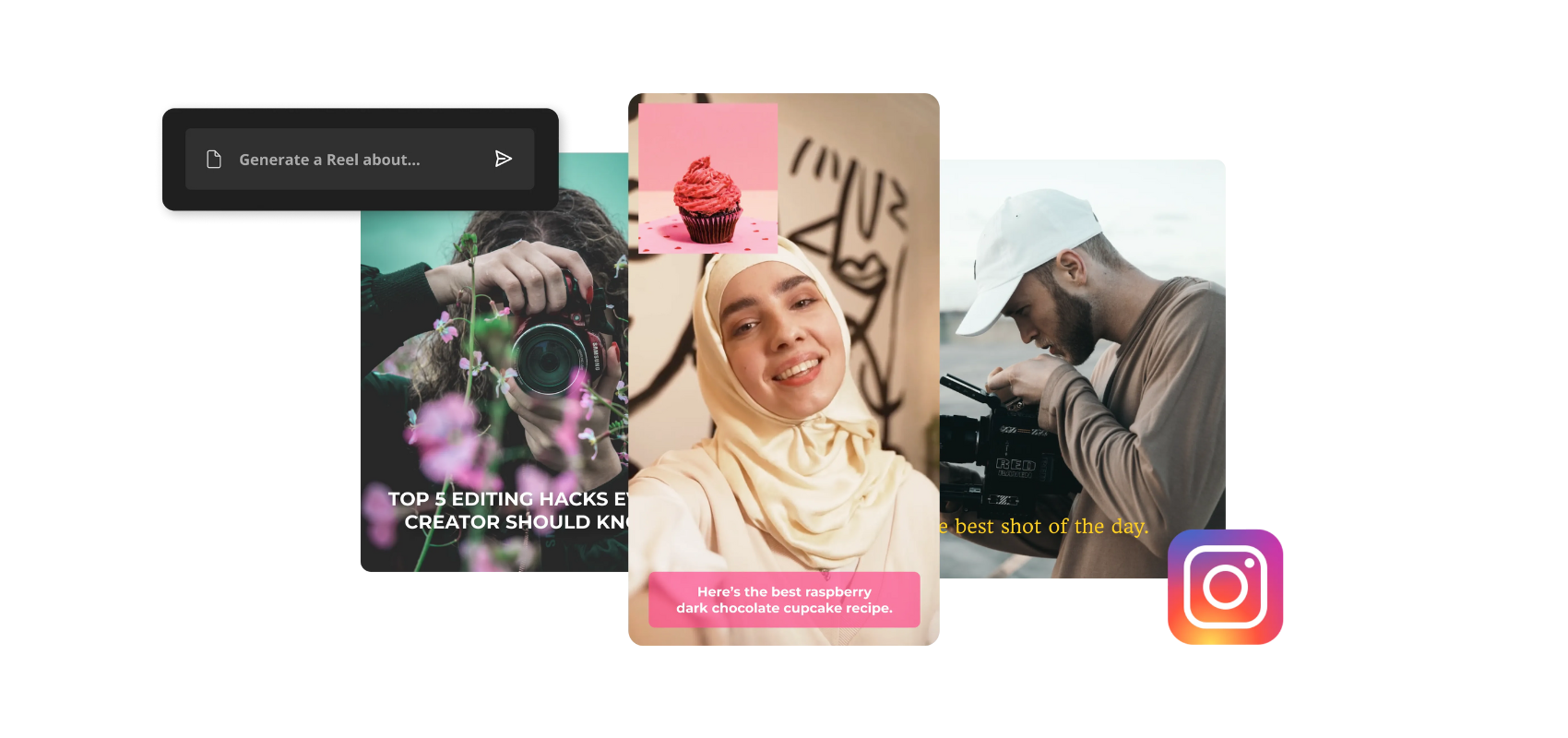
How to Create Instagram Reels Using AI (Step-by-Step Guide): Instagram Reels are one of the fastest ways to grow on Instagram in 2026. With the help of AI tools, anyone can create professional, trending, and viral reels—even without advanced editing skills.
In this complete guide, you will learn:
- How to create Instagram reels using AI (step by step)
- How to make reels from photos using AI
- Best AI tools for reels (Hindi + English support)
- How to create trending Instagram reels
- Best reel editing tips for high reach
What Are AI Instagram Reels?
AI Instagram reels are short videos created using artificial intelligence tools. These tools can automatically:
- Convert text into videos
- Turn photos into reels
- Add captions, effects, music, and transitions
This makes reel creation faster and easier for beginners.
Step-by-Step: How to Create Instagram Reels Using AI
Step 1: Choose Your Reel Idea
Start with a clear idea:
- Educational content
- Motivation quotes
- Product promotion
- Entertainment or storytelling
Trending topics usually perform better.
Step 2: Select the Best AI Reel Generator Tool
Here are some of the best AI tools for Instagram reels:
- InVideo AI – Text to reel creation
- Pictory AI – Script to short video
- Canva AI – Easy reel editing
- CapCut AI – Trending effects & templates
- Runway ML – Advanced AI video editing
Most of these tools support Hindi and English.
Step 3: Create Reels From Photos Using AI
To create reels from photos:
- Upload your photos
- Choose reel format (9:16)
- Add AI transitions and effects
- Apply background music
Tools like Canva AI and CapCut work best for photo-to-reel creation.
Step 4: Add AI Captions and Voice
Captions improve watch time.
- Use Auto Captions feature
- Add AI voice-over (Hindi or English)
Best AI voice tools:
- ElevenLabs
- Murf AI
- PlayHT
Step 5: Edit Reels Like a Pro (Best Reel Editing Tips)
- Keep reels under 30 seconds
- Use fast cuts and zoom effects
- Add hook in first 3 seconds
- Use trending music
- Add subtitles
AI tools help automate most of these tasks.
How to Create Trending Instagram Reels
To make trending reels:
- Follow trending audio
- Use popular hashtags
- Post consistently
- Create relatable content
- Analyze reel insights
AI tools can suggest trending styles and formats.
Best Reel Editing Apps (Mobile + PC)
Mobile Apps
- CapCut
- VN Editor
- Canva
PC Tools
- InVideo AI
- Pictory
- Adobe Premiere Pro (AI features)
How to Create Instagram Reels Video for Business
AI reels are powerful for marketing:
- Product reels
- Brand awareness videos
- Promotional content
Short AI-generated reels increase engagement and sales.
Common Mistakes to Avoid
- Overusing effects
- Long intros
- Ignoring captions
- Posting without trends
Conclusion
AI tools have made Instagram reel creation simple and fast. Whether you want to create reels from photos, text, or videos, AI can help you produce high-quality, trending Instagram reels with minimal effort.
👉 Tip: Focus on consistency and creativity for best results.