
Cloud Security Tips: Cloud Security is no longer optional in 2026. As businesses increasingly rely on cloud-based applications, remote teams, and digital workflows, cybercriminals are finding new ways to exploit weak configurations, stolen credentials, and unsecured workloads.
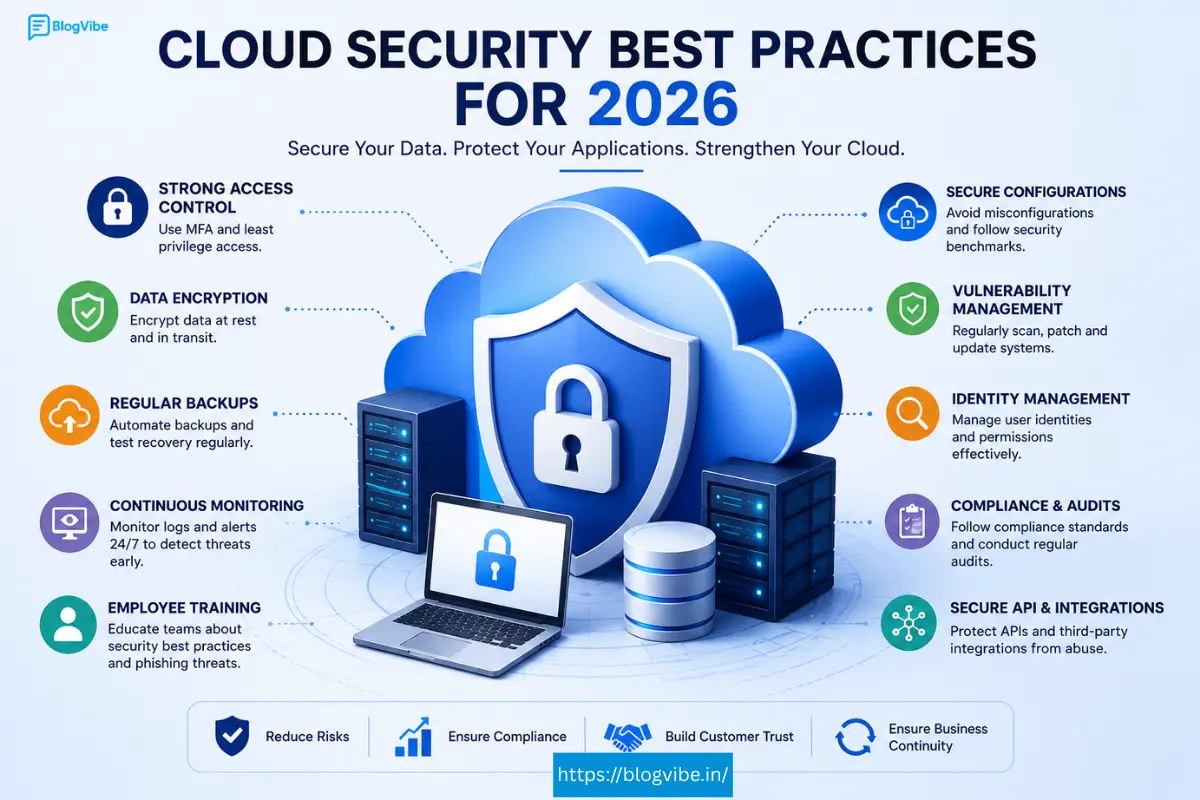
Whether you use cloud computing services, collaborate through online platforms, access books with a kindle cloud reader, or store files using cloud storage free plans, understanding modern cloud security practices is essential. A single security gap can expose sensitive customer data, financial records, and business-critical applications.
This guide explores 15 practical cloud security best practices that organizations and individuals should adopt in 2026 to strengthen protection against evolving cyber threats.
Why Cloud Security Tips Matters in 2026
Cloud adoption continues to grow because it offers scalability, flexibility, and cost savings. However, cloud environments also introduce unique security challenges.
Organizations today face threats such as:
- Credential theft
- Misconfigured storage buckets
- Ransomware attacks
- Insider threats
- API vulnerabilities
- Supply chain attacks
- Data leakage
Cloud providers invest heavily in infrastructure protection, but security remains a shared responsibility. Businesses must secure their applications, identities, configurations, and data.
Strong Cloud Security practices help organizations:
- Reduce breach risks
- Maintain compliance
- Improve customer trust
- Ensure business continuity
- Protect intellectual property
Understanding the Shared Responsibility Model
One of the biggest misconceptions about cloud platforms is assuming providers handle everything.
In reality, cloud providers generally secure:
- Physical data centers
- Networking infrastructure
- Hardware
- Virtualization layers
Customers remain responsible for:
- User access controls
- Data protection
- Application security
- Operating systems
- Encryption policies
- Security monitoring
Knowing where your responsibilities begin is the foundation of an effective cloud security strategy.
15 Cloud Security Tips Best Practices for 2026
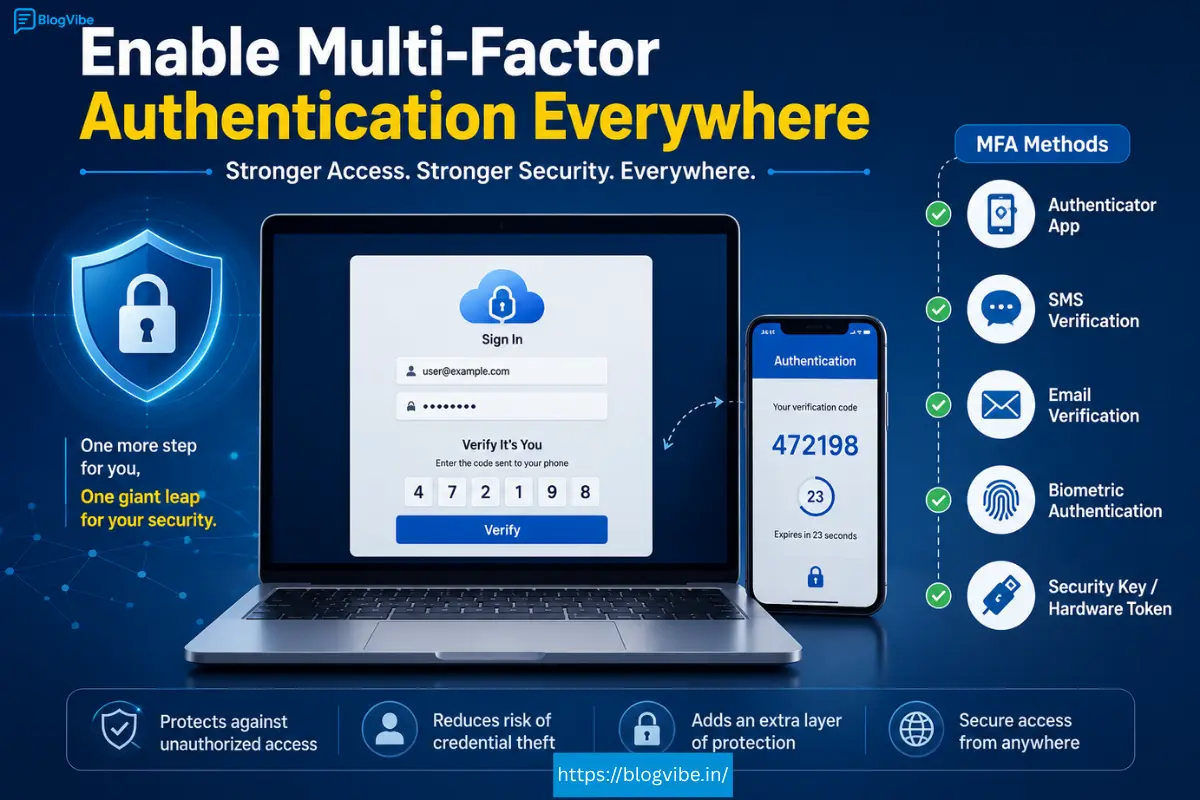
1. Enable Multi-Factor Authentication Everywhere
Passwords alone are insufficient.
Attackers commonly use credential stuffing and phishing techniques to compromise accounts.
Implement Multi-Factor Authentication (MFA) for:
- Employee accounts
- Administrative consoles
- Developer portals
- Customer-facing applications
Authentication methods include:
- Authenticator apps
- Security keys
- Biometrics
- Hardware tokens
MFA dramatically reduces account takeover risks.
2. Follow the Principle of Least Privilege
Users should only receive permissions necessary for their tasks.
Avoid granting excessive privileges.
Examples include:
Bad Practice
Developer access to all production databases.
Good Practice
Developer access limited to development environments.
Regular permission reviews help identify unnecessary access rights.
3. Encrypt Data at Rest and in Transit
Encryption protects information even if unauthorized access occurs.
Organizations should encrypt:
Data at Rest
Stored files
Databases
Backups
Archives
Data in Transit
Web traffic
Application communication
API requests
Email exchanges
Recommended protocols include:
TLS 1.3
AES-256
Encrypted VPN connections
Encryption is one of the most effective Cloud Security measures available.
4. Secure APIs Against Abuse
APIs connect modern applications and cloud workloads.
Poor API security can expose sensitive systems.
Best practices include:
Rate limiting
Authentication tokens
API gateways
Input validation
Continuous monitoring
Common threats involve:
Injection attacks
Broken authentication
Unauthorized requests
API security deserves dedicated attention in every cloud environment.
5. Monitor Cloud Security Tips Activity Continuously
Visibility is critical.
Organizations should monitor:
Login attempts
Privilege escalations
Data transfers
Configuration changes
Suspicious network behavior
Effective monitoring tools can detect attacks early and reduce incident response times.
Cloud logs should be retained according to business requirements.
6. Regularly Patch Systems and Applications
Unpatched software remains a leading cause of security incidents.
Security teams should establish:
Patch schedules
Automated updates
Vulnerability scans
Asset inventories
Focus especially on:
Containers
Virtual machines
Third-party integrations
Operating systems
Routine maintenance reduces exposure to known exploits.
7. Backup Data Frequently
Even advanced security controls cannot guarantee complete protection.
Reliable backups support recovery from:
Hardware failures
Human errors
Ransomware incidents
Natural disasters
Best practices include:
Automated backups
Geographically separate copies
Version control
Periodic restoration testing
Businesses should verify backups regularly to ensure usability.
8. Implement Zero Trust Architecture
Zero Trust assumes that no user or device should be trusted automatically.
Core principles include:
Continuous verification
Device validation
Micro-segmentation
Context-based access
Least privilege access
Zero Trust models have become increasingly important for hybrid workplaces.
9. Protect Containers and Kubernetes Environments
Container adoption continues growing rapidly.
Security recommendations include:
Scanning container images
Removing unnecessary packages
Using signed images
Restricting root privileges
Securing orchestration platforms
Misconfigured containers often become entry points for attackers.
Container security should be integrated into development workflows.
10. Conduct Regular Security Audits
Audits help identify weaknesses before attackers do.
Assessments may include:
Penetration testing
Configuration reviews
Compliance checks
Access control validation
Risk assessments
Annual reviews are beneficial, but high-risk organizations may require quarterly evaluations.
11. Educate Employees About Cybersecurity
Technology alone cannot eliminate threats.
Employees remain frequent targets of:
Phishing campaigns
Social engineering attacks
Malicious attachments
Credential theft schemes
Training programs should cover:
Password hygiene
Safe browsing
Recognizing suspicious emails
Reporting incidents
Security awareness significantly improves organizational resilience.
12. Use Strong Identity and Access Management
Identity protection is becoming a primary focus in Cloud Security.
Identity management solutions should support:
Role-based access
Conditional access
Single Sign-On
Identity analytics
Automated provisioning
Centralized identity control reduces administrative complexity.
13. Prevent Cloud Misconfigurations
Misconfigured cloud environments cause numerous data exposures every year.
Common mistakes include:
Public storage buckets
Weak firewall settings
Unused accounts
Open databases
Exposed credentials
Automated configuration assessment tools help maintain secure environments.
Organizations should establish baseline security templates.
14. Vet Third-Party Vendors Carefully
Businesses increasingly depend on external providers.
Examples include:
Software vendors
Analytics platforms
Payment gateways
Managed security services
Evaluate vendors based on:
Security certifications
Compliance history
Incident response capabilities
Data handling practices
Third-party risks should be included in security planning.
15. Develop an Incident Response Plan
Preparation matters.
Security incidents can happen despite preventive measures.
Incident response plans should define:
Roles and responsibilities
Communication procedures
Containment strategies
Recovery steps
Post-incident reviews
Testing response plans through simulations improves readiness.
Organizations that respond quickly often reduce operational disruptions.
Cloud Security Tips Considerations for Individuals
Cloud Security is not only a concern for large enterprises.
Individual users should also follow best practices.
Examples include:
Secure Your Personal Cloud Accounts
Use strong passwords.
Enable MFA.
Review account activity regularly.
Be Careful with Cloud Storage Free Plans
Many users rely on cloud storage free plans for documents and photos.
Before uploading sensitive files:
Check privacy settings.
Understand data retention policies.
Review sharing permissions.
Protect Reading Platforms
Services such as a kindle cloud reader store personal information and reading histories.
Users should:
Avoid password reuse.
Enable account verification.
Monitor login notifications.
Choosing Secure Cloud Computing Services
Businesses selecting cloud computing services should prioritize security features.
Important evaluation criteria include:
Encryption support
Compliance certifications
Identity management capabilities
Backup options
Threat detection tools
Security transparency
Cost should never be the only deciding factor.
Long-term reliability and strong security practices provide greater value.
What About Cloud Collaboration Platforms?
Many modern teams collaborate through cloud-based applications and communication tools.
Some users even refer to collaborative environments informally as a cloud couch, emphasizing the convenience of working together from anywhere.
Regardless of the platform used, organizations should ensure:
Access restrictions are properly configured.
Files are shared only with authorized users.
Audit logs remain enabled.
Data retention policies are enforced.
Convenience should never come at the expense of security.
Final Thoughts(Cloud Security Tips)
Cloud adoption will continue accelerating throughout 2026 and beyond. While cloud technologies provide unmatched flexibility and scalability, they also require proactive protection strategies.
By implementing these 15 best practices, businesses and individuals can significantly strengthen their Cloud Security posture, reduce risks, and protect sensitive data from increasingly sophisticated cyber threats.
The most effective approach combines technology, employee awareness, continuous monitoring, and well-defined security processes. Organizations that prioritize security today will be better prepared to thrive in an increasingly cloud-driven future.
Frequently Asked Questions (Cloud Security Tips)
1. What is Cloud Security, and why is it important in 2026?
Cloud Security refers to the technologies, policies, and best practices used to protect cloud-based systems, applications, and data from cyber threats. In 2026, it is crucial because businesses increasingly rely on cloud environments, making them attractive targets for ransomware, phishing, and data breaches.
2. What are the biggest Cloud Security risks organizations face?
Some of the most common Cloud Security risks include misconfigured cloud resources, weak passwords, unauthorized access, insecure APIs, insider threats, ransomware attacks, and inadequate data backup strategies.
3. How does the shared responsibility model work in Cloud Security?
The shared responsibility model means that cloud providers secure the underlying infrastructure, while customers are responsible for protecting their data, applications, user accounts, access controls, and security configurations within the cloud environment.
4. Are cloud storage free plans safe for storing sensitive files?
Many cloud storage free plans offer basic security features such as encryption and account protection. However, users should enable multi-factor authentication, carefully review sharing permissions, and avoid storing highly sensitive information unless additional security measures are in place.
5. What is the best way to improve Cloud Security for a small business?
Small businesses can strengthen Cloud Security by enabling multi-factor authentication, using strong passwords, encrypting sensitive data, regularly backing up files, monitoring account activity, training employees on cybersecurity awareness, and choosing reputable cloud computing services with built-in security features.
READ MORE:

