
Girl Photo Editing 2026 Looks with Dreamina
AI photo editing has become one of the biggest creative trends in 2026. From cinematic portraits to fashion-inspired edits, creators are using AI tools to produce professional-quality images in minutes. One of the fastest-growing platforms in this space is Dreamina, an AI-powered image generation and editing tool that helps users create eye-catching portraits without advanced editing skills.
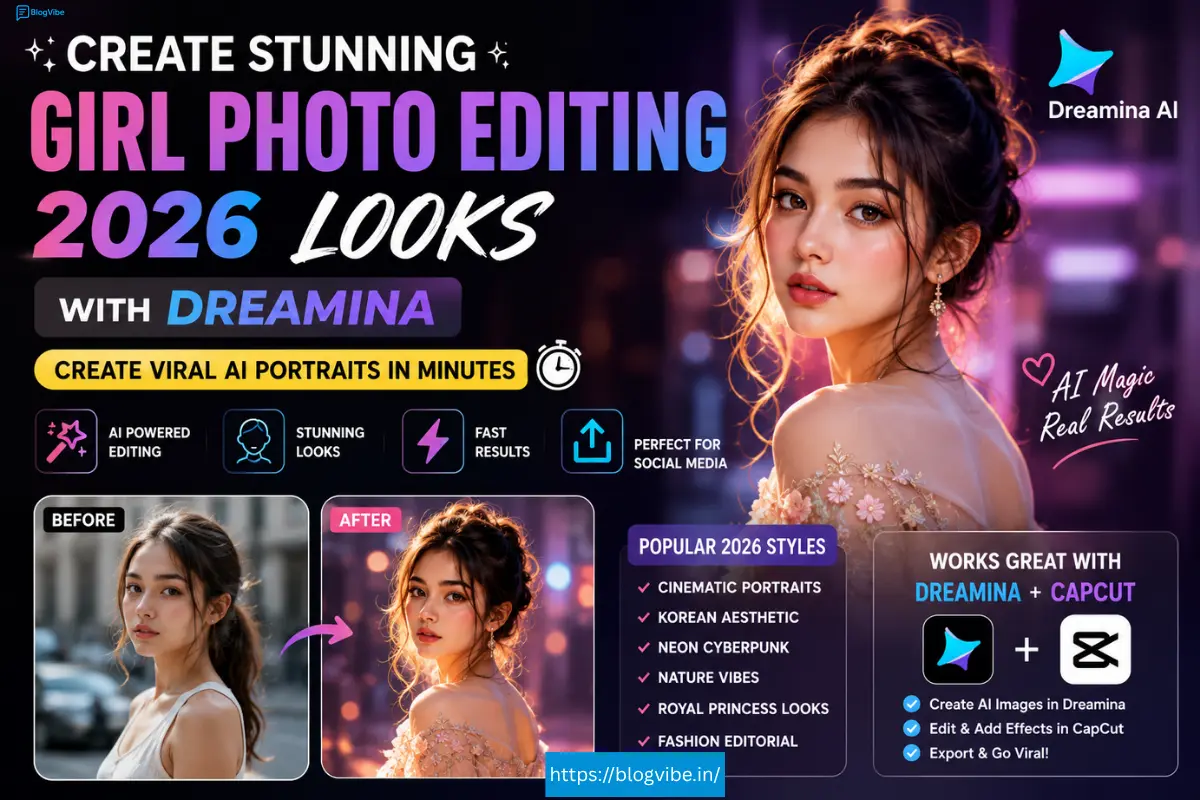
Whether you’re making Instagram content, Pinterest graphics, YouTube thumbnails, or profile pictures, Girl Photo Editing 2026 Looks with Dreamina offers endless creative possibilities.
In this complete guide, you’ll learn everything about Dreamina AI, the most popular editing styles, prompt writing tips, editing workflow, and how Dreamina CapCut integration makes social media content creation easier than ever.
What is Dreamina?
Dreamina is an AI image generation and photo editing platform that allows users to create realistic artwork, portraits, anime images, fantasy scenes, and stylish edits using simple text prompts.
Instead of spending hours inside Photoshop, users simply describe the image they want, and the AI generates high-quality results.
Popular uses include:
- AI portraits
- Fashion photography
- Fantasy edits
- Wedding concepts
- Instagram profile pictures
- YouTube thumbnails
- Pinterest images
- Character creation
- Product mockups
Its beginner-friendly interface makes it one of the easiest AI tools available in 2026.
Why Girl Photo Editing with Dreamina Is Trending in 2026
The demand for AI-generated portraits has exploded because they are:
- Fast to create
- Highly realistic
- Affordable
- Customizable
- Perfect for social media
- No professional editing experience required
Creators, influencers, photographers, and designers now use Dreamina AI to produce premium-looking visuals in minutes.
Best Girl Photo Editing 2026 Looks with Dreamina
Here are the most popular editing styles users are creating with Dreamina.
1. Cinematic Portrait
A movie-inspired portrait featuring dramatic lighting, realistic skin tones, shallow depth of field, and rich color grading.
Perfect for:
- Posters
- Profile photos
2. Luxury Fashion Look
This style creates magazine-quality portraits with elegant outfits, premium accessories, and studio lighting.
Best for:
- Fashion creators
- Brand promotions
- Portfolio images
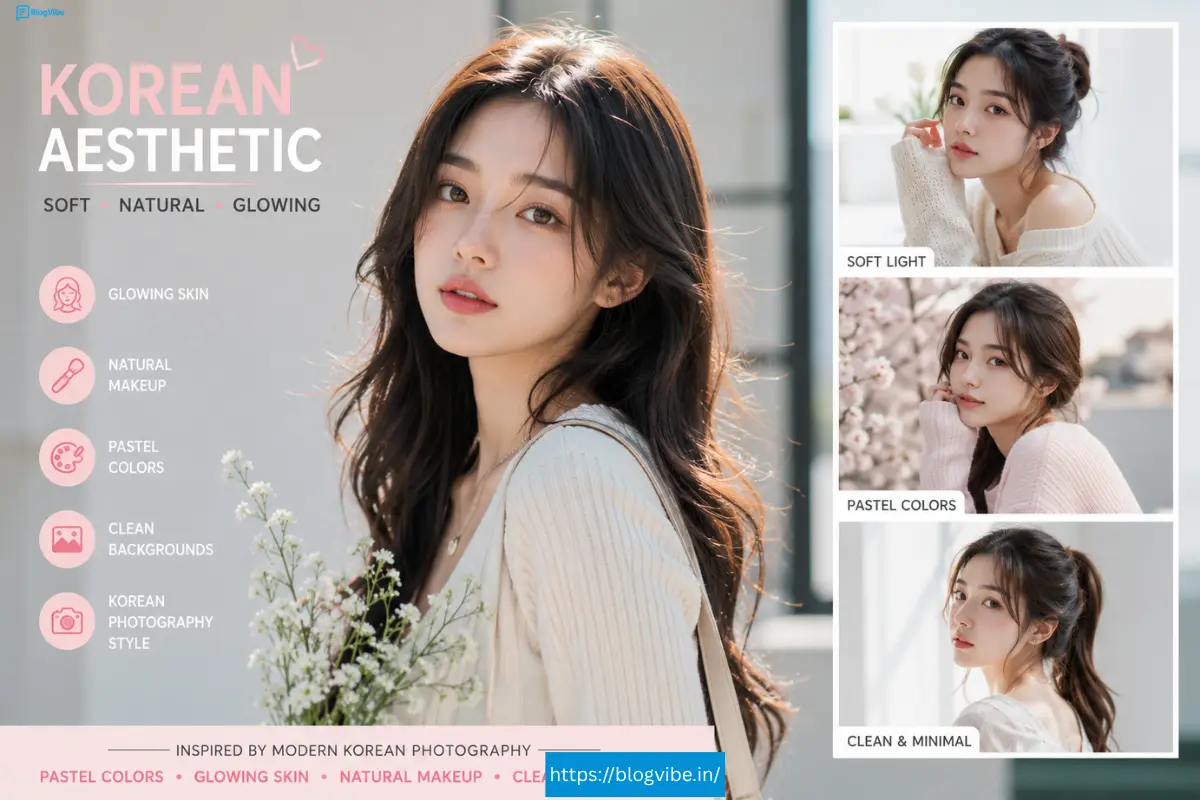
3. Soft Korean Aesthetic
Inspired by modern Korean photography, this style features pastel colors, glowing skin, natural makeup, and clean backgrounds.
Ideal for:
- Lifestyle creators
- Beauty pages
- Pinterest boards
4. Neon Cyberpunk
Bright neon lights, futuristic outfits, colorful reflections, and sci-fi environments make this one of the most creative styles.
Perfect for gaming profiles and digital artwork.
5. Nature Portrait
Dreamina creates beautiful outdoor scenes featuring flowers, forests, waterfalls, mountains, and dreamy sunlight.
This style remains one of the most popular AI portrait trends.
6. Royal Princess Style
Elegant dresses, castles, glowing jewelry, dramatic lighting, and fantasy backgrounds create magical portraits.
Popular for birthday edits and fantasy artwork.
How Dreamina AI Works
The editing process is surprisingly simple.
Step 1
Upload your photo or start with a text prompt.
Step 2
Choose your preferred art style.
Examples include:
- Realistic
- Anime
- Fantasy
- Fashion
- Digital painting
- Cinematic
Step 3
Enter a detailed prompt.
Step 4
Generate multiple versions.
Step 5
Upscale the best image for higher quality.
Step 6
Download your final image.
Most edits take less than one minute.
Best Prompt Tips for Dreamina AI
The better your prompt, the better your image.
A strong prompt usually includes:
- Subject
- Clothing
- Pose
- Camera angle
- Lighting
- Background
- Mood
- Lens style
- Image quality
Instead of writing:
Beautiful girl
Write something like:
Young woman wearing a white modern dress standing in a lavender field during golden hour, cinematic lighting, ultra realistic skin, DSLR photography, 85mm lens, shallow depth of field, soft sunlight, premium fashion editorial style, highly detailed.
Adding these details dramatically improves image quality.
Popular Girl Photo Editing 2026 Looks with Dreamina Ideas for 2026
Creators are making:
- Luxury office portraits
- AI influencer photos
- Beach vacation edits
- Paris fashion looks
- Snow princess portraits
- Royal queen edits
- Japanese street photography
- Fantasy angel portraits
- Rain photography
- Luxury car photoshoots
- Floral garden portraits
- Traditional cultural outfits
- Sunset photography
- Coffee shop lifestyle edits
- Travel photography
Each style can be customized with different clothing, lighting, and backgrounds.
Dreamina CapCut Integration
Many creators combine Dreamina CapCut to build complete social media content.
The workflow is simple:
- Generate portraits using Dreamina.
- Import images into CapCut.
- Add transitions.
- Include text animations.
- Add music.
- Export Instagram Reels or TikTok videos.
This combination saves significant editing time while producing polished results.
Tips for Better AI Portraits
To achieve professional-quality images:
- Use high-resolution source photos.
- Keep faces clearly visible.
- Write detailed prompts.
- Experiment with different lighting styles.
- Avoid cluttered backgrounds.
- Generate multiple variations before selecting one.
- Upscale the final image.
- Make small adjustments instead of changing everything at once.
Best Lighting Styles
Lighting has a major impact on AI portraits.
Popular choices include:
Golden Hour
Warm sunlight with soft shadows.
Studio Lighting
Professional beauty photography style.
Neon Lighting
Perfect for futuristic portraits.
Sunset Light
Warm orange tones.
Moonlight
Creates mysterious, cinematic scenes.
Window Light
Natural indoor portraits with soft illumination.
Best Camera Styles
Dreamina AI supports photography-inspired looks.
Popular options include:
- DSLR photography
- Mirrorless camera
- 85mm portrait lens
- 35mm street photography
- Cinematic close-up
- Ultra HD photography
- Editorial fashion
- Magazine cover style
Including these terms in prompts often produces more realistic results.
Common Mistakes to Avoid
Many beginners receive average results because they:
- Use very short prompts.
- Ignore lighting descriptions.
- Forget camera settings.
- Choose low-resolution uploads.
- Skip upscaling.
- Overuse unnecessary keywords.
- Generate only one version.
Creating several variations helps you find the best output.
Who Should Use Dreamina?
Dreamina is suitable for many types of creators.
Content Creators
Generate unique visuals for social media.
Influencers
Create premium-looking profile photos and posts.
Bloggers
Design attractive feature images.
Graphic Designers
Speed up concept creation.
Small Businesses
Produce marketing visuals without hiring expensive photographers.
Students
Create creative project artwork.
Benefits of Dreamina AI
Some of the biggest advantages include:
- Beginner-friendly interface
- Fast image generation
- High-quality AI portraits
- Multiple artistic styles
- Realistic facial rendering
- Easy prompt-based editing
- Professional lighting effects
- High-resolution export
- Saves editing time
- Great for social media content
Is Dreamina Better Than Traditional Editing?
Traditional software like Photoshop offers complete manual control, but it often requires experience and significant time.
Dreamina AI focuses on speed and creativity. It allows users to generate polished images quickly with text prompts, making it a practical choice for many creators. For projects that need precise manual retouching or advanced compositing, traditional editing software may still be the better option.
Many professionals now use both approaches together—Dreamina for fast concept creation and traditional editors for detailed refinements.
Future of AI Photo Editing
AI editing technology continues to evolve rapidly.
Future updates are expected to bring:
- More realistic skin textures
- Improved facial consistency
- Better clothing generation
- Smarter background replacement
- Faster rendering
- Advanced pose control
- Enhanced lighting simulation
- Higher-resolution outputs
These improvements will make AI-assisted editing even more accessible and efficient.
Final Thoughts(Girl Photo Editing 2026 Looks with Dreamina)
Girl Photo Editing 2026 Looks with Dreamina shows how AI has transformed portrait creation. With detailed prompts, realistic rendering, and a wide variety of artistic styles, Dreamina AI enables creators to produce impressive visuals without extensive editing experience.
Whether you’re building an Instagram portfolio, creating Pinterest content, designing YouTube thumbnails, or experimenting with creative portraits, Dreamina provides a simple workflow that can help you bring your ideas to life. Pairing Dreamina CapCut with your editing process can further streamline content creation for short-form videos and social media.
As AI tools continue to improve, learning how to write effective prompts and experiment with different styles will help you get the best results.
Faq:(Girl Photo Editing 2026 Looks with Dreamina)
1. What is Dreamina AI?
Dreamina AI is an AI-powered image generation and editing platform that creates images and portraits from text prompts or uploaded photos.
2. Is Dreamina free to use?
Dreamina typically offers a free tier with limited credits, while additional features and higher usage limits may require a paid plan. Check the latest pricing on the official platform.
3. Can I edit my own photos with Dreamina?
Yes. You can upload your own images and use AI tools to transform backgrounds, lighting, clothing styles, and overall appearance.
4. How does Dreamina work with CapCut?
Many creators generate AI images in Dreamina and then import them into CapCut to add animations, transitions, text, and music for social media videos.
5. What makes a good Dreamina prompt?
The best prompts include details about the subject, clothing, pose, lighting, background, camera angle, mood, and image quality. More descriptive prompts usually produce more refined results

