
AI Chrome Extensions: Artificial intelligence has completely transformed how people work online. From writing emails and checking grammar to summarizing articles and generating content, AI-powered browser tools are helping professionals save hours every week.
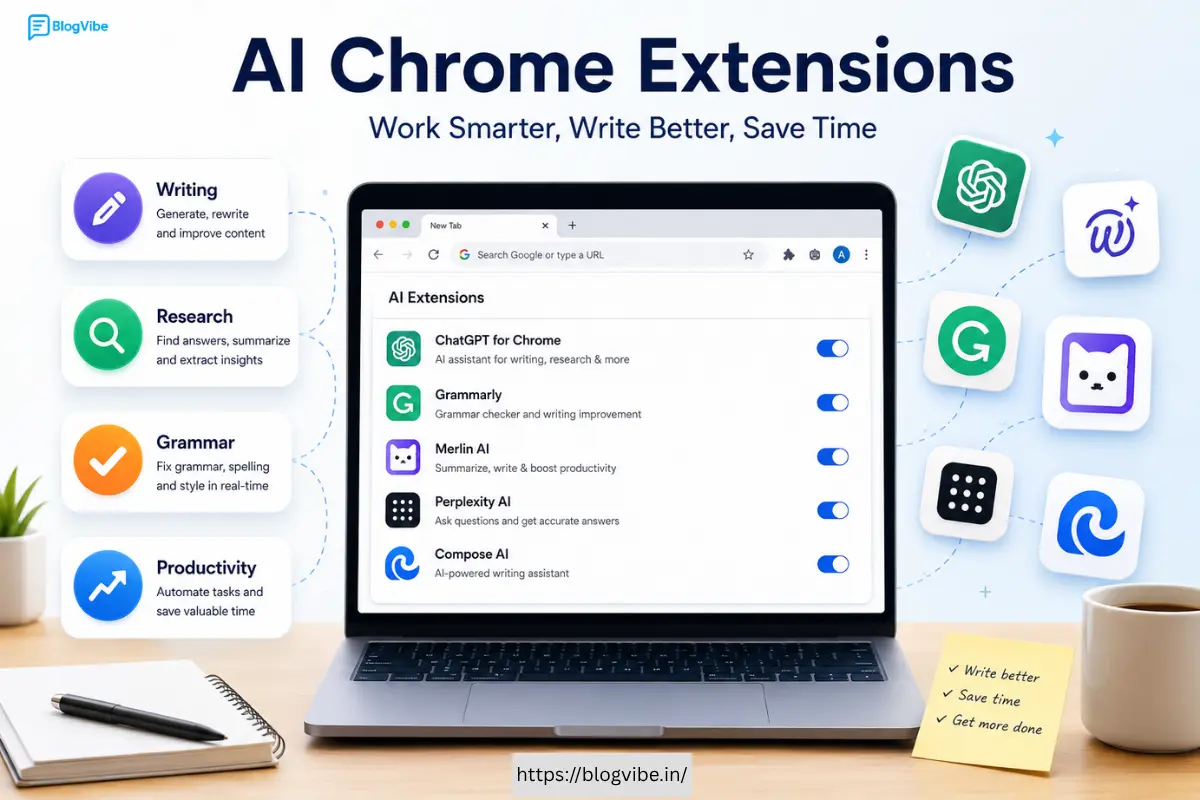
If you spend most of your day inside a browser, installing the right AI Chrome extensions can dramatically improve your productivity.
In this guide, we will explore the best AI Chrome extensions available in 2026, including tools for writing, grammar checking, research, coding, meetings, and everyday tasks.
Whether you are a student, blogger, marketer, developer, or business owner, these extensions can help you work smarter.
Why Use AI Chrome Extensions?
Chrome extensions powered by artificial intelligence can automate repetitive tasks and improve efficiency.
Benefits include:
- Faster content creation
- Better spelling and grammar
- AI-powered email writing
- Instant article summaries
- Improved research workflows
- Enhanced coding assistance
- Meeting transcription
- Translation support
- Social media content generation
- Reduced time spent switching between apps
Many professionals report saving several hours each week simply by integrating AI tools into their browsers.
Best AI Chrome Extensions in 2026
1. ChatGPT for Chrome
ChatGPT remains one of the most widely used AI tools available.
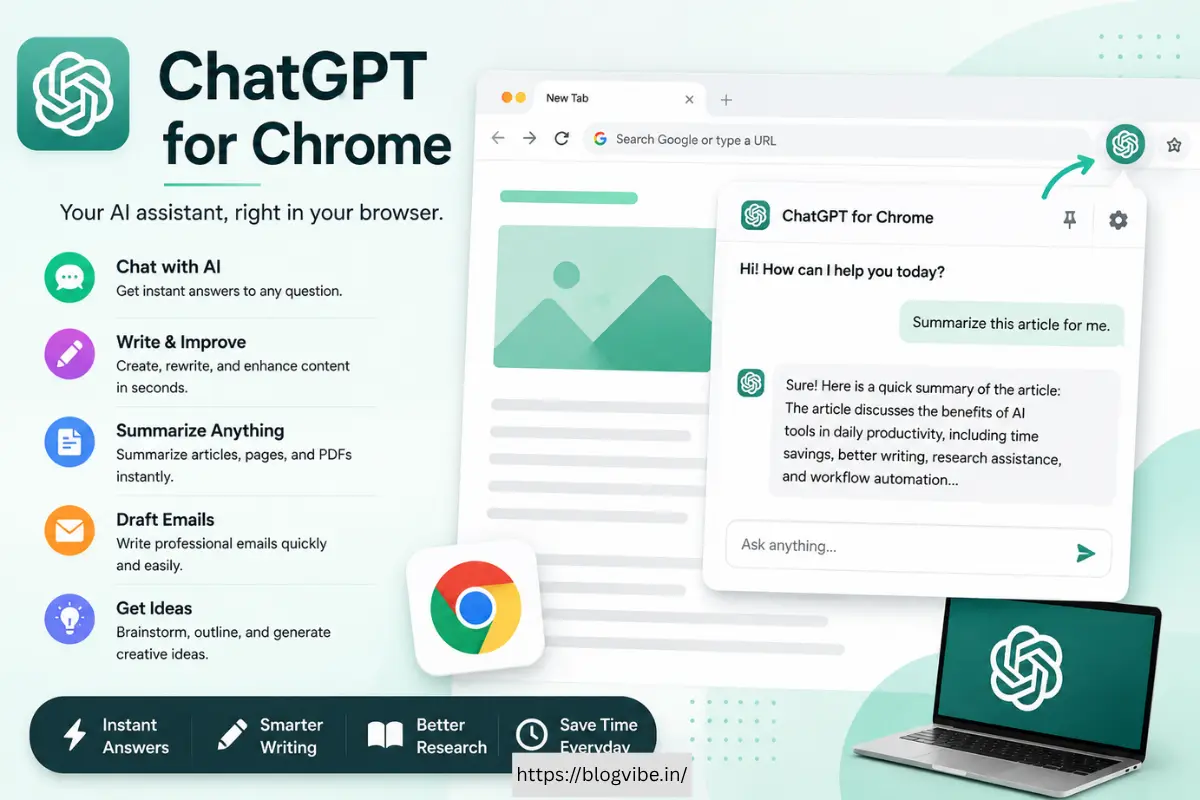
Features:
- Generate content instantly
- Rewrite paragraphs
- Answer questions
- Create outlines
- Summarize webpages
- Draft emails
Best for:
Content creators, students, freelancers, and marketers.
Advantages:
- Fast responses
- Easy integration
- Supports multiple use cases
Drawbacks:
- Advanced capabilities may require a premium subscription.
2. Grammarly
If you are looking for AI Chrome extensions to check spelling and grammar, Grammarly remains the market leader.
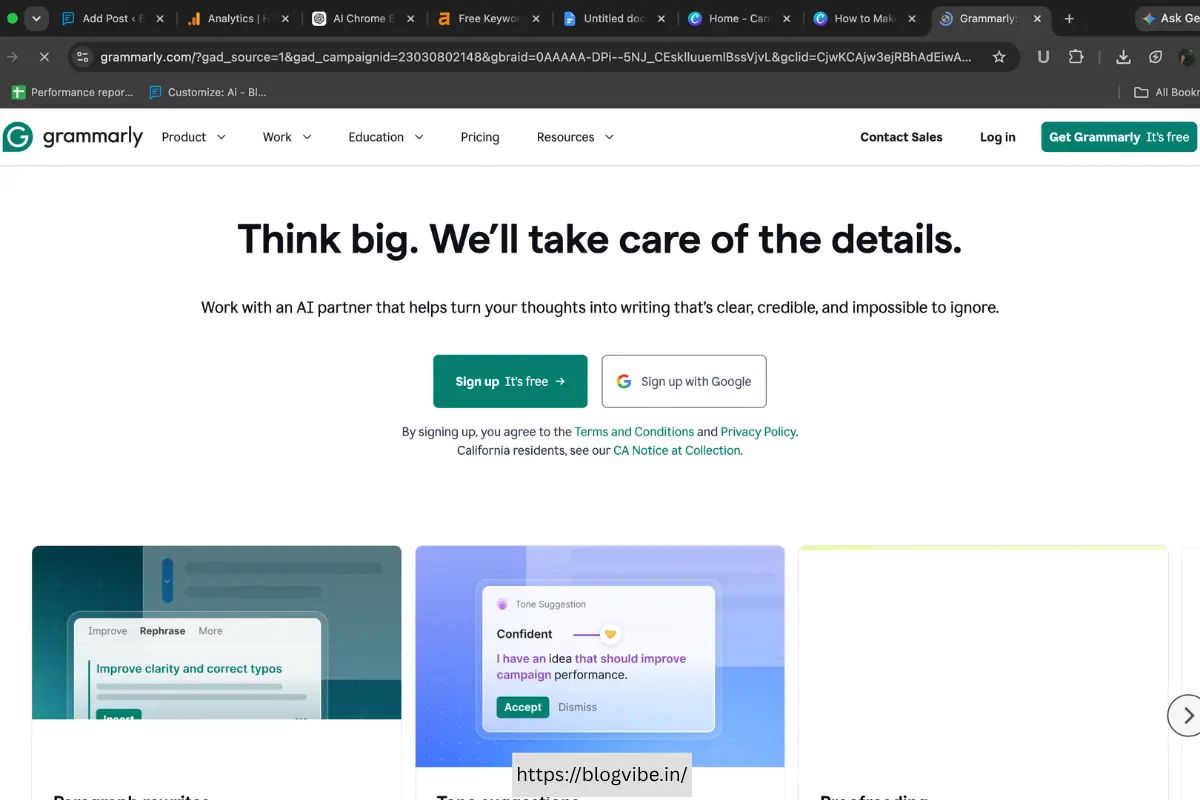
Features:
- Grammar correction
- Spell checking
- Tone analysis
- Sentence rewriting
- Vocabulary suggestions
- AI writing assistance
Best for:
Writers, bloggers, students, and professionals.
Pros:
- Works almost everywhere online
- Real-time suggestions
- Excellent accuracy
Cons:
- Premium plans unlock advanced features.
3. LanguageTool
LanguageTool is becoming a strong alternative to Grammarly.
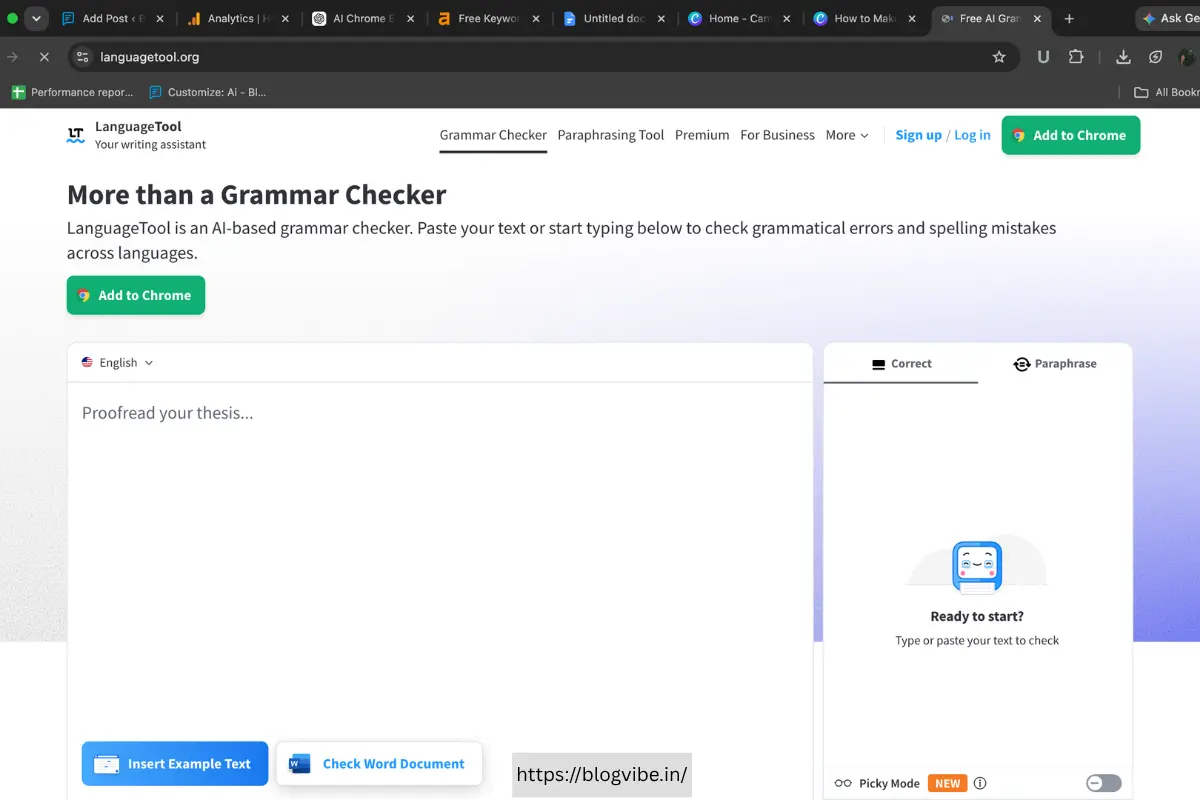
Features:
- Grammar corrections
- Style improvements
- Multilingual support
- Punctuation checks
Best for:
International writers.
Benefits:
- Supports over 30 languages
- Affordable pricing
- Privacy-friendly
4. Compose AI
Compose AI focuses on helping users write faster.
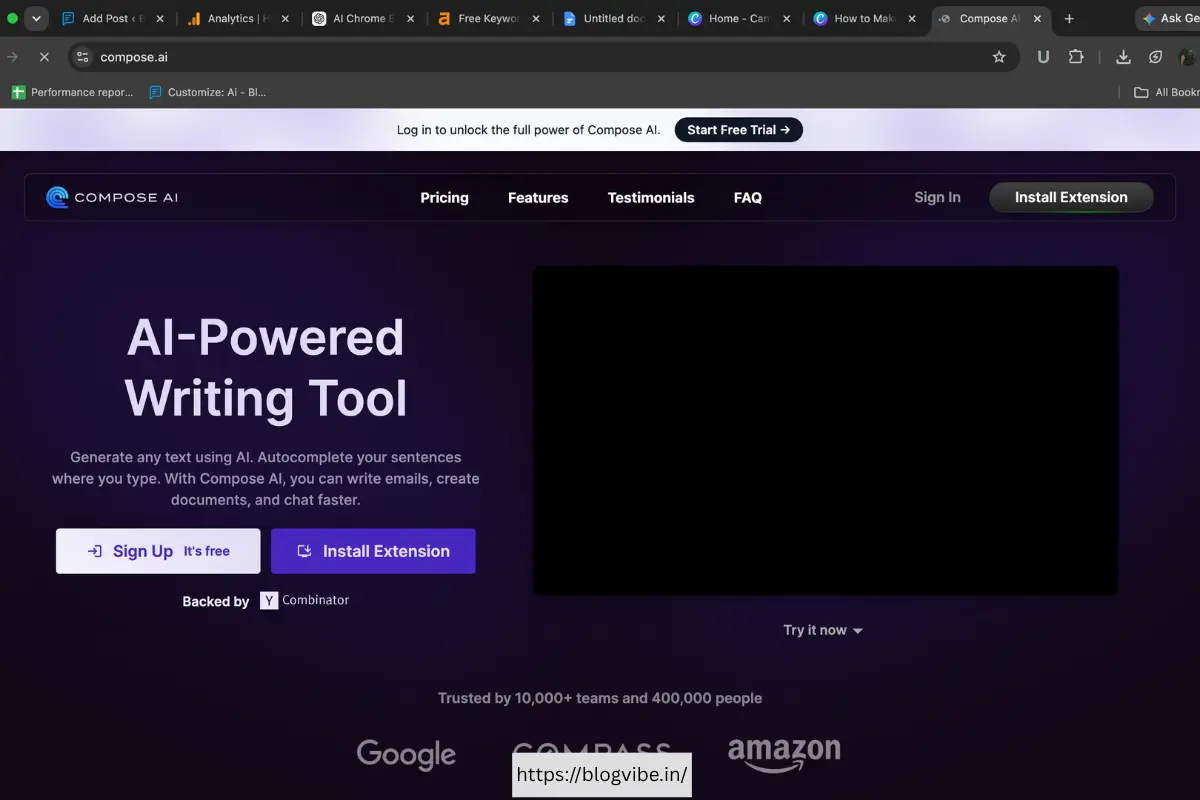
Features:
- Sentence completion
- Email drafting
- Automatic suggestions
- Personalized writing style
Ideal users:
Professionals who send many emails daily.
Advantages:
- Saves time
- Learns your writing habits
5. Monica AI
Monica AI has gained popularity because it combines multiple AI capabilities into a single extension.
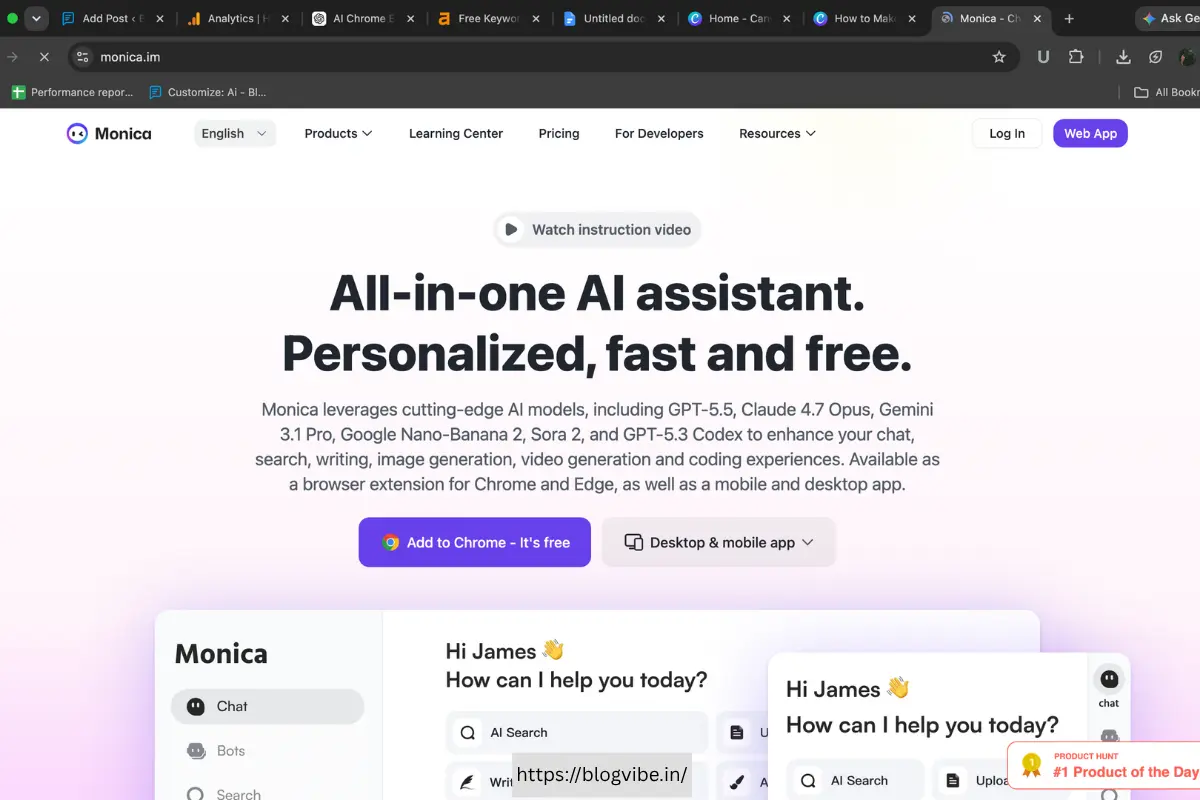
Features:
- Chat assistant
- Content generation
- Translation
- Summarization
- Writing enhancement
Best for:
Power users who need an all-in-one AI assistant.
6. Merlin AI
Merlin AI works directly on websites without requiring users to open separate tabs.
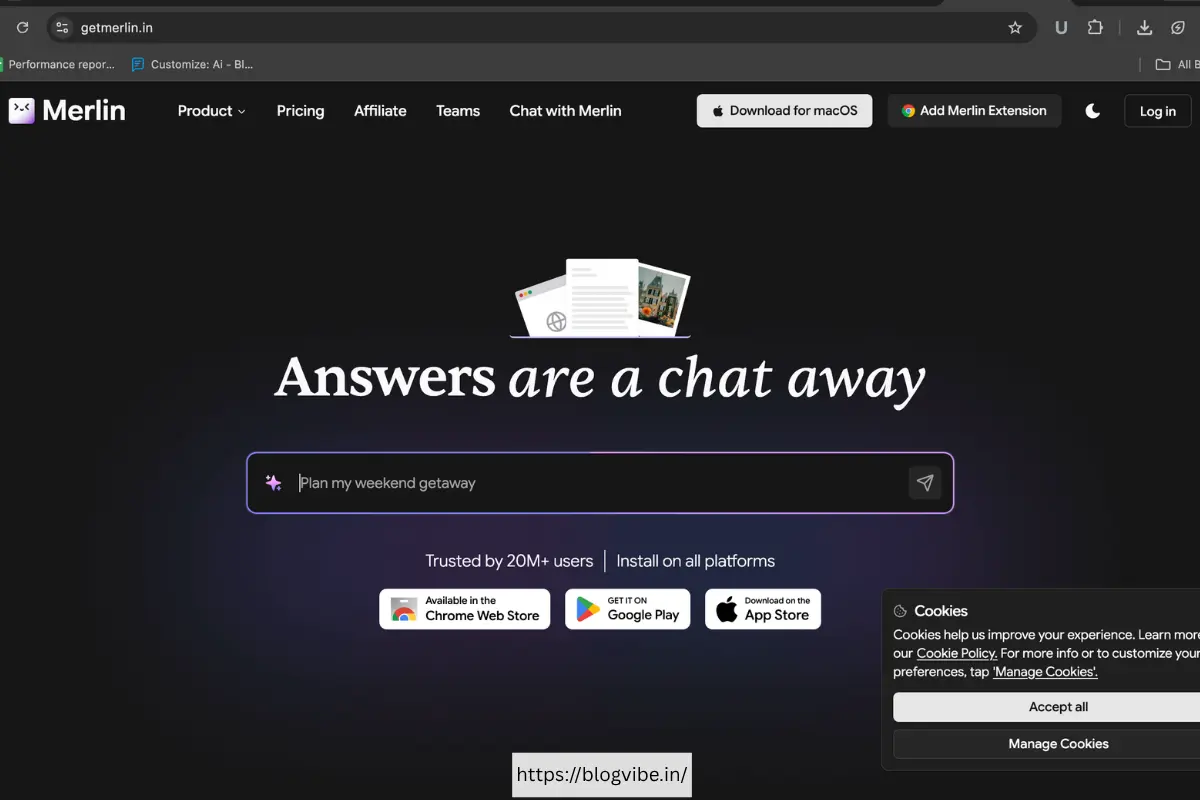
Features:
- Summarize articles
- Write social media posts
- Generate blog ideas
- Create email drafts
Benefits:
- Convenient workflow
- Supports multiple AI models
7. Sider AI
Sider AI offers productivity tools integrated into Chrome.
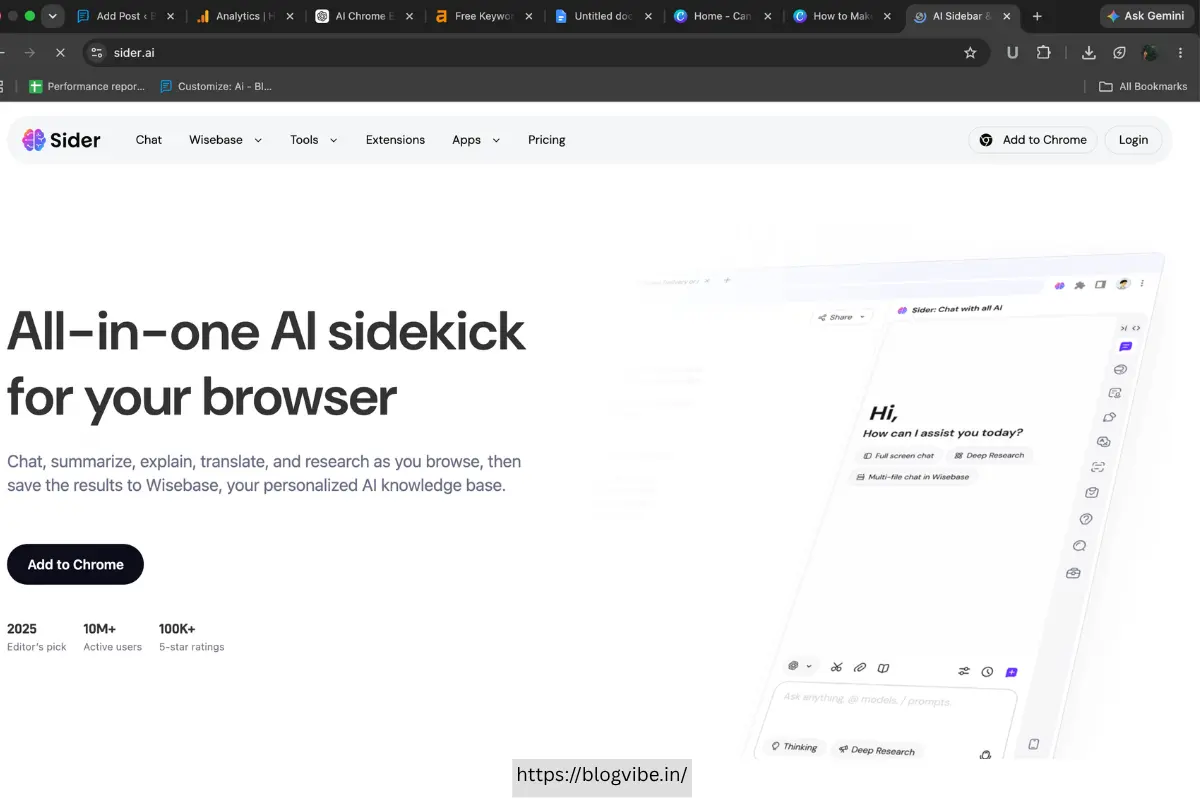
Features:
- AI chat
- PDF summaries
- Translation
- Writing assistance
Popular among:
Researchers and students.
8. Wordtune
Wordtune helps users improve sentence quality.
Features:
- Sentence rewriting
- Tone adjustment
- Content expansion
- Simplification
Best for:
Professionals looking to polish their writing.
Advantages:
- Easy to use
- Produces natural wording
9. Perplexity Assistant
Perplexity has emerged as a valuable research companion.
Features:
- Answer questions
- Cite sources
- Summarize webpages
- Compare information
Ideal for:
Researchers and analysts.
Benefits:
- Reliable citations
- Faster information gathering
10. HARPA AI
HARPA AI is one of the most versatile Chrome extensions available today.
Features:
- Website monitoring
- SEO assistance
- Content generation
- Automation workflows
Great for:
SEO specialists and marketers.
11. Otter AI Extension
Meeting productivity is another area where AI shines.
Otter AI offers:
- Meeting notes
- Live transcription
- Summary generation
- Speaker identification
Useful for:
Teams and remote workers.
12. DeepL Translator
DeepL remains one of the most accurate translation tools.
Features:
- Natural translations
- Multiple language support
- Fast performance
Recommended for:
International businesses.
13. Eightify
Eightify is designed specifically for YouTube users.
Features:
- Video summaries
- Key insights
- Timestamp extraction
Perfect for:
Students and busy professionals.
14. Glasp
Glasp helps users collect information from websites.
Features:
- Highlight content
- Save notes
- Organize research
- Share knowledge
Best suited for:
Writers and researchers.
15. GitHub Copilot Extension
Developers can significantly increase productivity using AI coding tools.
Features:
- Code completion
- Suggestions
- Documentation assistance
- Bug fixing support
Ideal users:
Software engineers and programmers.
Best AI Chrome Extensions to Check Spelling and Grammar
Many users specifically search for AI Chrome extensions to check spelling and grammar.
Here are the top recommendations.
Grammarly
Rating: 9.8/10
Best overall choice.
LanguageTool
Rating: 9.4/10
Excellent multilingual support.
Wordtune
Rating: 9.2/10
Strong sentence rewriting capabilities.
Compose AI
Rating: 9.0/10
Best for email writing.
ChatGPT Extension
Rating: 8.9/10
Useful for rewriting entire documents.
Comparison Table
| Extension | Best For | Free Plan |
| Grammarly | Grammar | Yes |
| ChatGPT | Content Creation | Yes |
| Merlin | Productivity | Yes |
| Monica | AI Assistant | Yes |
| Wordtune | Rewriting | Limited |
| HARPA AI | SEO | Yes |
| Sider | Research | Yes |
| Eightify | Videos | Limited |
| Glasp | Notes | Yes |
| DeepL | Translation | Yes |
Are AI Chrome Extensions Safe?
Most reputable AI browser extensions follow industry-standard security practices.
Before installing an extension:
- Check Chrome reviews
- Verify permissions
- Download from official sources
- Read privacy policies
- Avoid unknown developers
Security should always be a priority.
How to Choose the Best AI Chrome Extensions
Consider these factors:
Your Primary Use Case
Writers should prioritize Grammarly and Wordtune.
Researchers may prefer Perplexity and Glasp.
Developers benefit most from GitHub Copilot.
Pricing
Many extensions provide generous free plans.
Premium subscriptions are worthwhile only if you use them daily.
Accuracy
Test different tools before committing.
Grammar accuracy varies significantly between providers.
Integration
Choose extensions that fit naturally into your workflow.
The fewer tabs you need to open, the more productive you become.
Are the Best AI Chrome Extensions in 2024 Still Worth Using?
The AI scene is changing quickly, although many of people are still on the lookout for the top AI Chrome extensions for 2024.
Some tools that were hot commodities in 2024 are still great options today, such as Grammarly, ChatGTP, Wordtune, and DeepL. Monica AI, HARPA AI and Sider are recent solutions that have incorporated additional features to make them viable alternatives.
For users who want the newest features, it’s advisable to look for regularly updated extensions, instead of depending entirely on earlier rankings.
Final Thoughts
AI browser tools are becoming a must for modern digital working. The finest AI Chrome extensions may improve writing, do research for you, improve communication, and allow users to do things much faster.
Grammarly remains the king of the hill when it comes to grammatical checking. For content creation, ChatGPT and Merlin are still really good options. Researchers can find Perplexity and Glasp useful, and GitHub Copilot is a must for developers.
Try a few extensions until you find the right mix that works for you. Most offer free plans so that consumers can try before buying paid memberships.
As artificial intelligence progresses, browser-based assistants will probably become a common element of how people operate online, bringing productivity improvements to everyone.
Frequently Asked Questions
Which is the best AI Chrome extension overall?
Grammarly, ChatGPT, and Monica AI are among the best overall choices because they support multiple productivity tasks.
What are the best AI Chrome extensions to check spelling and grammar?
Grammarly, LanguageTool, Wordtune, and Compose AI are highly recommended for grammar correction and writing improvement.
Are AI Chrome extensions free?
Many AI Chrome extensions offer free versions, although advanced capabilities often require paid subscriptions.
Which AI Chrome extension is best for students?
Perplexity, Glasp, Grammarly, and Eightify are excellent tools for studying, research, and note-taking.
Do AI Chrome extensions work on all websites?
Most major extensions work on email platforms, document editors, social media sites, and search engines, but compatibility may vary depending on the tool.

