
Introduction
The digital content industry is seeing a rapid growth in demand for AI-generated visuals. Now designers, bloggers, marketers, and video creators are using AI tools to speed up their creative workflow. Freepik AI Image Generator is one of the most popular tools in this space.
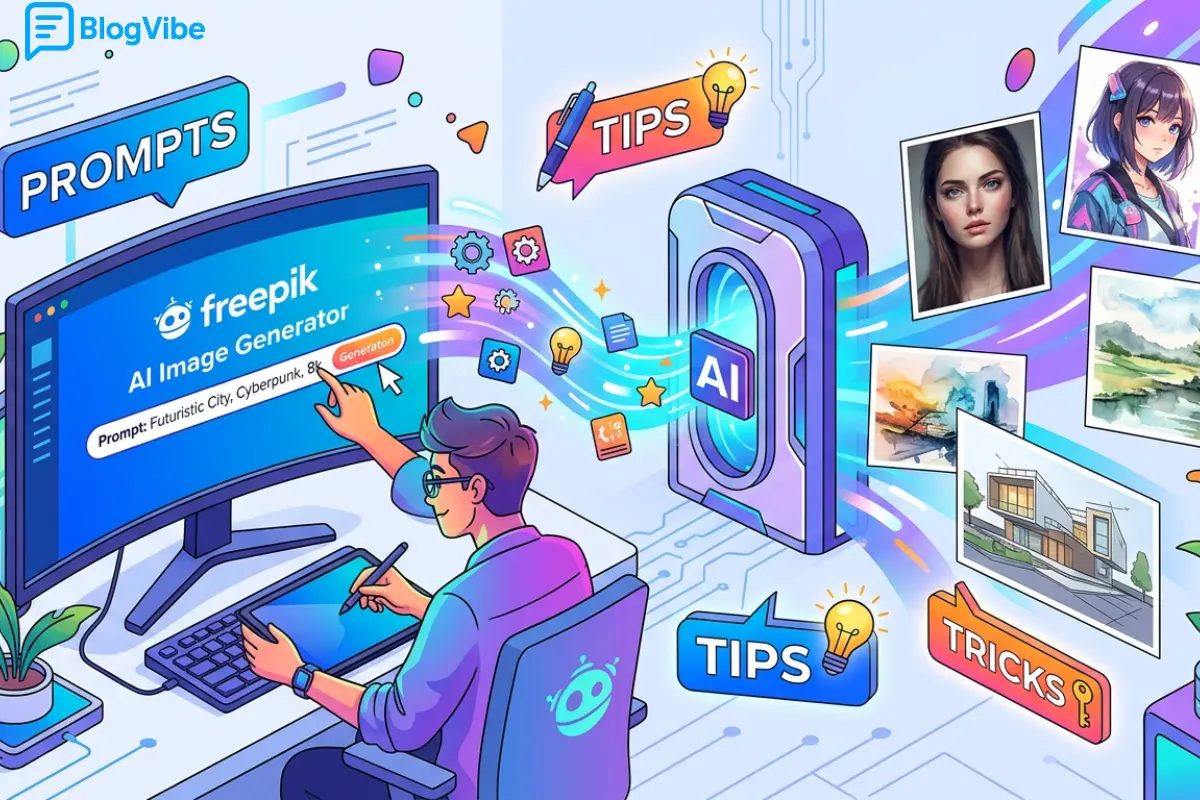
This tool allows users to create high-quality images using simple text descriptions. Instead of spending hours designing graphics manually, users can generate professional visuals in seconds. In this article, we will explore everything about the Freepik AI Image Generator, including prompts, tips, tricks, pricing, tutorial, API, review, and FAQs.
What is Freepik AI Image Generator
Freepik AI Image Generator is a tool based on AI that generates images from text prompts. You just type in what you want to see and the AI creates visual content from your description.
For example, if we type a “futuristic city with flying cars at sunset” the system will create several variations of the image, which correspond to your idea.
It is a very common tool used for making content for blogs, youtube thumbnail images, advertising and social media posts.
How Freepik AI Image Generator Works
The Freepik AI Image Generator is powered by a system that leverages advanced machine learning models trained on large image datasets. It understands language, context and visual patterns.
The system processes the prompt entered by a user in the following manner:
- It understands the text description and recognizes key objects, styles and environments.
- It uses art styles such as cinematic, illustration, fantasy or realism.
- It creates a variety of images based on likelihood and training data.
- It improves the quality and the detail of the output.
This makes the tool very powerful for creative professionals and beginners.
Freepik AI Image Generator Online and App Usage
The Freepik AI Image Generator can be accessed by users in two primary ways.
The online version runs directly in the browser, and requires no installation. Suitable for desktop users who need quick access.
The mobile app is targeted at those who like to create images on their smartphones. It is useful for social media creators who need graphics on the go instantly.
Both versions have a similar set of features, but the online version is generally better for detailed editing and professional use.
Freepik AI Image Generator Free vs Paid Version
Freepik AI Image Generator is available in free and premium versions.
With the free version, you can try out some of the basic features. It has some limitations though, like limited image generations, lower resolution outputs and limited styles.
The paid version offers advanced features such as high-res images, faster processing speed, commercial use rights, and premium styles.
The paid version is more suitable for professional creators as it offers better quality and flexibility.
Freepik AI Image Generator Pricing
The pricing of the Freepik AI Image Generator depends on subscription plans. Typically, users can choose between monthly and yearly plans.
Monthly plans offer flexibility for short-term users, while yearly plans provide cost savings for long-term creators.
Business and enterprise plans are also available for teams and organizations that require high-volume image generation.
Pricing may vary depending on region and features included in the plan.
Freepik AI Image Generator Prompt Guide
The quality of output depends heavily on how well the prompt is written. A well-structured prompt can significantly improve image results.
A good prompt should include subject, style, environment, lighting, and mood.
For example, instead of writing “a car,” a better prompt would be “a red sports car parked in a neon-lit cyberpunk street at night with cinematic lighting.”
Some effective prompt examples include:
A cinematic view of a futuristic city with glowing lights and flying vehicles at night.
A realistic portrait of a woman standing in golden hour sunlight with soft shadows.
A fantasy landscape with mountains, waterfalls, and magical glowing elements in the sky.
A minimal product advertisement with clean background and soft studio lighting.
Freepik AI Image Generator prompts you can use:
- A cinematic cyberpunk city at night with neon lights, flying cars, ultra realistic, 8K, rain reflections on streets, dramatic lighting
- A majestic mountain landscape at sunrise, golden light passing through clouds, ultra detailed nature photography style, mist in valley, 4K
- A futuristic robot standing in a destroyed city, smoke and fire in background, cinematic lighting, hyper realistic, sci-fi concept art
- A luxury modern villa beside the ocean with infinity pool, sunset view, ultra realistic architecture photography, high detail, soft lighting
- A fantasy forest with glowing magical trees, floating lights in air, enchanted atmosphere, digital art style, highly detailed, cinematic composition
Best Tips and Tricks for Better Results
To get the best results from the Freepik AI Image Generator, users should follow certain techniques.
Be highly specific in your prompt instead of using simple words. Detailed descriptions produce better images.
Always include style keywords such as cinematic, realistic, ultra-detailed, or 4K to improve output quality.
Lighting plays an important role, so adding terms like golden hour, neon glow, or soft lighting can enhance visuals.
Composition terms like close-up, aerial view, or wide angle help control the framing of the image.
Combining multiple elements in a single prompt leads to more creative results. For example, mixing environment, subject, and mood together produces more dynamic images.
Freepik AI Image Generator API
The Freepik AI Image Generator API allows developers to integrate image generation capabilities into their own applications.
This is useful for websites, mobile apps, SaaS platforms, and automation systems.
Using the API, developers can generate images programmatically without manually using the interface. This is especially helpful for large-scale content production.
Freepik AI Image Generator Review
The overall review of the Freepik AI Image Generator is positive among users.
The tool is easy to use and does not require any design experience. It produces high-quality images quickly and offers a variety of styles.
However, there are some limitations. The free version is restricted, and advanced features require a paid subscription. Also, some prompts may need multiple attempts to get perfect results.
Despite these limitations, it is considered a reliable tool for modern content creators.
Freepik AI Image Generator Tutorial
- Using the Freepik AI Image Generator is simple and beginner-friendly.
- First, open the Freepik platform through a browser or mobile app.
- Next, navigate to the AI image generator section.
- Then, type your text prompt describing the image you want to create.
- After that, choose style settings if available.
- Finally, click generate and wait for the AI to create your image.
- You can download the result or refine the prompt for better output.
Freepik AI Image Generator Mod APK Warning
Some users search for modified versions of the Freepik AI Image Generator, commonly known as Mod APKs.
These versions are not official and can be risky. They may contain malware, lack updates, and violate platform policies.
It is always recommended to use the official Freepik platform for safe and reliable access.
Frequently Asked Questions (FAQ)
1. What is Freepik AI Image Generator used for?
It is used to create AI-generated images from text prompts for blogs, social media, marketing, and design projects.
2. Is Freepik AI Image Generator free?
Yes, there is a free version available, but it has limited features and lower output quality compared to the paid version.
3. Can I use Freepik AI images for commercial use?
Yes, but commercial usage is generally available in the paid subscription plans.
4. What is the best prompt for Freepik AI Image Generator?
A good prompt includes subject, style, lighting, and environment. The more detailed the prompt, the better the result.
5. Is Freepik AI Image Generator safe to use?
Yes, the official platform is safe. However, unofficial mod APK versions are not safe and should be avoided.
6. Can I use Freepik AI Image Generator on mobile?
Yes, it is available as both a web tool and a mobile app.
7. Does Freepik AI Image Generator have an API?
Yes, it offers an API for developers to integrate AI image generation into applications.
Conclusion
The Freepik AI Image Generator is a powerful tool that has transformed digital content creation. It allows users to generate professional-quality visuals quickly using simple text prompts.
By learning proper prompt writing, lighting techniques, and style selection, users can dramatically improve their results. Whether you are a beginner or a professional creator, this tool can help you save time and boost creativity.
Mastering the Freepik AI Image Generator can give you a strong advantage in the fast-growing world of AI-powered content creation.
read more:Pindrop Anonybit: Deepfake Agentic AI Stops Voice Fraud

