
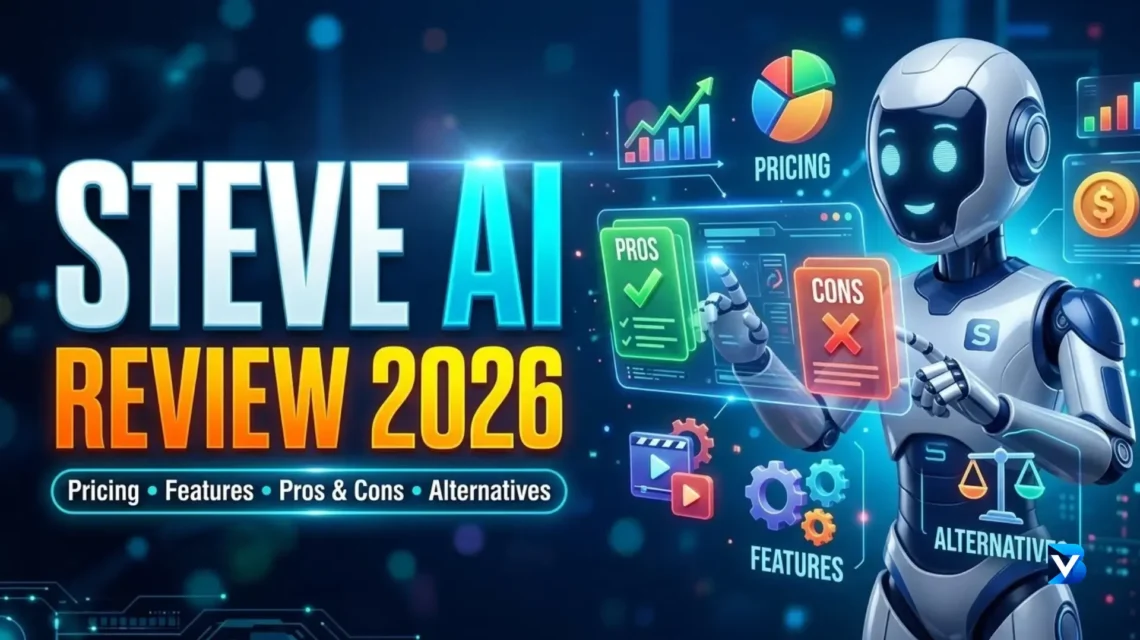
Steve AI is one of the more beginner-friendly AI video generators for turning scripts, blog posts, and ideas into videos. But is it actually worth paying for in 2026?
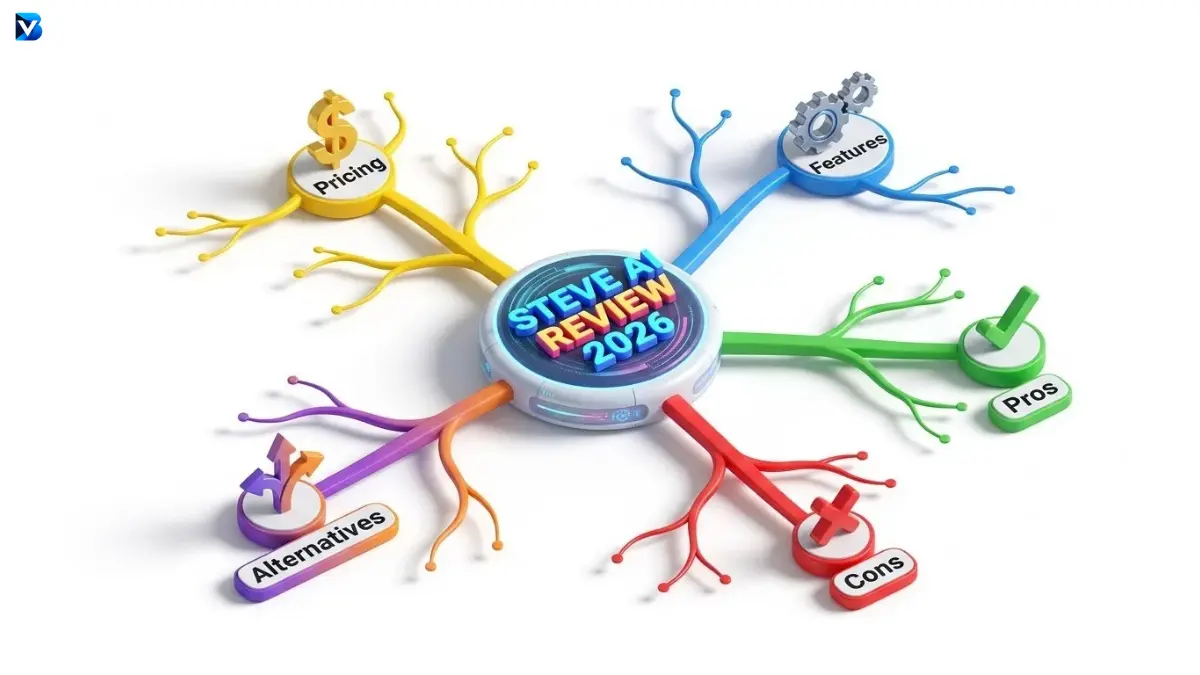
In this Steve AI review, we look at its features, pricing, free plan, video quality, YouTube capabilities, pros and cons, and the best Steve AI alternatives. After testing the platform’s workflow, here’s what you should know before choosing a plan.
Steve AI Review: Quick Verdict
Steve AI is an AI-powered video creation platform designed to help users create videos from text, prompts, blog posts, audio, and other content.
It is particularly useful for creators who want to reduce the amount of manual video editing required.
Steve AI offers several useful capabilities, including:
- Text-to-video creation
- Prompt-to-video generation
- Blog-to-video conversion
- AI voiceovers
- Animated characters
- Stock media
- Video templates
- Subtitles
- Video resizing
- Social media content creation
- YouTube video creation
Overall, Steve AI is a strong option for beginners, bloggers, educators, marketers, and faceless YouTube creators.
My overall rating for Steve AI is 4.3 out of 5.
What Is Steve AI?
Steve AI is an artificial intelligence video creation platform that helps users transform written content and ideas into videos.
Traditional video creation often requires multiple tools for scripting, voice recording, visuals, animation, editing, subtitles, and exporting.
Steve AI attempts to combine many of these processes into one platform.
For example, you can start with a topic such as:
“How artificial intelligence is changing blogging in 2026.”
Instead of manually creating every scene, you can use AI to help generate the video structure, visuals, narration, and other elements.
This makes Steve AI especially useful for people who have ideas for videos but don’t have advanced video editing skills.
Steve AI Features
1. Text-to-Video
One of the main features of Steve AI is text-to-video generation.
You can provide a script or written content and use it as the foundation for a video.
This is useful for:
- Educational videos
- Explainer videos
- YouTube videos
- Social media videos
- Marketing content
- Faceless videos
The biggest advantage is that you don’t need to manually create every scene from scratch.
2. Blog-to-Video
Blog-to-video conversion is one of the most useful features for bloggers.
If you already publish articles, you can repurpose that content into videos instead of creating completely new material.
For example:
Blog article
↓
Video script
↓
AI-generated video
↓
YouTube video
↓
Short-form content
This approach can help content creators get more value from existing content.
3. Animated Characters
Steve AI includes animated characters that can be used in educational, storytelling, and explainer videos.
This is particularly useful if you don’t want to appear on camera.
Animated characters can work well for:
- Educational channels
- Kids content
- Business explainers
- Storytelling
- Tutorials
- Training videos
4. AI Voiceovers
Steve AI can generate voiceovers using artificial intelligence.
This means you don’t necessarily need to record your own voice.
For faceless YouTube creators, this can make the production process much faster.
However, you should always listen to the generated voice before publishing because pronunciation, pacing, and emphasis may not always be perfect.
5. Stock Media
Steve AI provides access to stock images, videos, backgrounds, and other visual assets.
This can reduce the time spent searching for visuals on different websites.
For creators producing videos regularly, having media available inside the same workflow can be a major advantage.
6. Video Resizing
Different platforms require different video dimensions.
For example:
- YouTube: 16:9
- YouTube Shorts: 9:16
- Instagram Reels: 9:16
- Social media posts: Different formats depending on the platform
Steve AI provides video resizing capabilities that can make content repurposing easier.
7. Subtitles
Captions are important for modern video content, especially short-form videos.
Steve AI can help add subtitles to videos, reducing the amount of manual captioning work.
Still, you should review the captions before publishing because AI can occasionally misunderstand words.
Steve AI Pricing 2026
Steve AI offers several pricing options, including a free plan and paid plans.
The current annual pricing structure includes the following plans:
| Plan | Price | Video Quality |
| Free | $0 | Limited |
| Basic | $10/month* | 720p |
| Starter | $30/month* | 1080p |
| Pro | $40/month* | 2K |
| Generative AI | $40/month* | 2K |
| Enterprise | Custom | Up to 4K |
Prices shown above are based on annual billing and may change. Monthly pricing, credits, limits, and add-ons can differ.
Steve AI Free Plan
The free plan is useful if you want to test Steve AI before spending money.
It allows you to understand:
- How the editor works
- How good the AI-generated videos are
- Whether the voiceovers suit your content
- How much editing is required
- Whether the platform fits your workflow
For beginners, starting with the free version is usually the smartest approach.
Steve AI Basic Plan
The Basic plan is aimed at users who need more video creation capacity than the free plan.
It is suitable for:
- Beginners
- Small creators
- Bloggers
- Occasional YouTube creators
If you are still experimenting with AI video creation, this can be a reasonable starting point.
Steve AI Starter Plan
The Starter plan is better suited to creators who produce videos regularly.
It provides higher limits and better output capabilities than the lower-tier plan.
This may be useful for:
- YouTube creators
- Marketing teams
- Educators
- Social media creators
Steve AI Pro Plan
The Pro plan is designed for users with higher video production requirements.
It makes more sense if you create videos frequently and need higher video limits, better output quality, and additional resources.
However, casual users probably don’t need the Pro plan.
Is Steve AI Worth It?
The answer depends on how you plan to use it.
If you create videos regularly and want to automate repetitive production tasks, Steve AI can be worth the investment.
If you only create one or two simple videos occasionally, paying for a premium AI video platform may not be necessary.
The best approach is to start with the free plan.
Create several videos.
Then ask yourself:
- How much time did Steve AI save?
- Did I like the generated visuals?
- Was the voiceover good enough?
- How much editing was still required?
- Is the monthly price reasonable for my production volume?
If the answers are positive, upgrading can make sense.
Steve AI Pros and Cons
Pros
- Easy for beginners
- Text-to-video capabilities
- Blog-to-video workflow
- AI voiceovers
- Animated characters
- Stock media
- Subtitle generation
- Multiple video formats
- Useful for faceless channels
- Free plan available
- Suitable for educational content
- Useful for content repurposing
Cons
- AI-generated videos still require editing
- Pricing can become complicated
- Credit limits can restrict heavy users
- AI visuals may occasionally be inaccurate
- Advanced editors may want more control
- Higher-quality features require paid plans
- Not every AI-generated scene will perfectly match the script
Steve AI for YouTube
Steve AI can be particularly useful for YouTube creators who don’t want to appear on camera.
A typical workflow could look like this:
Topic
↓
Script
↓
Steve AI
↓
Scenes and visuals
↓
AI voiceover
↓
Captions
↓
Manual editing
↓
YouTube upload
This workflow can significantly reduce production time.
However, don’t expect AI to produce a perfect YouTube video automatically.
The best results usually come from using AI for the first draft and then manually improving the final video.
Is Steve AI Good for Faceless YouTube Channels?
Yes, Steve AI can be a useful tool for faceless YouTube channels.
It can help with:
- Narration
- Visuals
- Animated characters
- Scenes
- Captions
- Video formatting
This makes it suitable for niches such as:
- Technology
- Education
- History
- Business
- Finance
- Motivation
- Facts
- Storytelling
- Tutorials
The most important factor is still the quality of your script.
A great AI tool cannot fix a boring topic or weak script.
Steve AI for Bloggers
For bloggers, Steve AI can be especially useful because it allows existing written content to be repurposed.
Imagine you publish a 2,000-word article.
Instead of using that article only for Google search traffic, you can turn it into:
- One long YouTube video
- Several YouTube Shorts
- Instagram Reels
- Social media posts
- Short educational clips
This creates a content ecosystem around one original piece of research.
For bloggers trying to increase traffic from multiple platforms, this can be a powerful strategy.
Best Steve AI Alternatives in 2026
Steve AI isn’t the only AI video generator available.
Depending on your requirements, several alternatives may be worth considering.
| AI Video Tool | Best For |
| Pictory | Blog-to-video and content repurposing |
| InVideo AI | Prompt-based video creation |
| Synthesia | AI avatar and business videos |
| HeyGen | Realistic AI presenters |
| Fliki | Voice-based faceless videos |
| Canva | Simple video and graphic creation |
| VEED | Online video editing |
The best alternative depends on the type of videos you want to create.
Steve AI vs Pictory
Steve AI and Pictory are both useful for content creators, but their strengths are slightly different.
Steve AI is particularly interesting for animated videos, characters, explainers, and multiple video styles.
Pictory is particularly useful for people who want to turn written content into videos and repurpose existing content.
Choose Steve AI if you want:
- Animated content
- Explainer videos
- Character-based videos
- Multiple video styles
- Faceless content
Choose Pictory if you mainly want:
- Blog-to-video conversion
- Article repurposing
- Long-form content conversion
- Simple video creation
Steve AI vs InVideo AI
Steve AI and InVideo AI both use artificial intelligence to simplify video creation.
Steve AI has a strong focus on animation, characters, explainers, and automated video creation.
InVideo AI provides a broad prompt-based video creation workflow.
Steve AI may be better for animated and educational content.
InVideo AI may be better for creators who want more general-purpose AI video generation.
Steve AI vs Synthesia
Synthesia is primarily known for AI presenter and avatar videos.
Steve AI covers a broader range of video styles.
Choose Synthesia if your goal is:
“Create a professional presenter who explains my content.”
Choose Steve AI Review if your goal is:
“Create an animated, educational, explainer, or faceless video.”
Who Should Use Steve AI?
Steve AI is a good choice for:
- Beginners
- Bloggers
- YouTubers
- Faceless content creators
- Educators
- Marketers
- Small businesses
- Social media managers
- Explainer-video creators
Steve AI may not be the best choice for:
- Professional filmmakers
- Advanced video editors
- Cinematic production
- Users requiring frame-by-frame editing control
- Creators who already have a professional editing workflow
5 Tips to Get Better Results With Steve AI
1. Write a Strong Prompt
Don’t give the AI a vague instruction.
Instead of:
“Make a video about AI.”
Try:
“Create a 60-second educational YouTube Short explaining three ways AI can help bloggers save time. Use short scenes, clear narration, modern visuals, and a strong hook in the first three seconds.”
A detailed prompt gives the AI more direction.
2. Start With a Strong Hook
The first few seconds are extremely important.
Avoid:
“Today we are going to talk about artificial intelligence.”
Instead try:
“You’re probably wasting hours doing something AI can finish in minutes.”
The second version creates curiosity and gives viewers a reason to continue watching.
3. Keep Scenes Short
Long, static scenes can make videos boring.
A good short-form structure is:
Hook
Problem
Explanation
Example
Solution
CTA
4. Check AI-Generated Visuals
Never assume that every AI-generated scene is accurate.
Read the script and check whether the visuals actually represent what you’re saying.
This is especially important for:
- Technology
- Science
- History
- Finance
- News
- Educational content
5. Always Edit the Final Video
The AI-generated video should be treated as your first draft.
Before publishing, check:
- Voice pronunciation
- Scene timing
- Captions
- Visual accuracy
- Background music
- Transitions
- Hook
- CTA
Small improvements can make the final video look much more professional.
Final Verdict: Is Steve AI Worth It in 2026?
Steve AI is a capable AI video creation platform for creators who want to produce videos without spending hours learning professional editing software.
Its biggest strengths are its automated video creation workflow, animated characters, AI voiceovers, stock media, content repurposing, and support for different types of videos.
For bloggers, YouTubers, educators, marketers, and faceless content creators, Steve AI can save considerable production time.
However, it isn’t a replacement for human creativity.
You still need a good topic, strong script, compelling hook, accurate visuals, and final editing.
My overall rating for Steve AI Review is:
4.3 out of 5
If you’re unsure whether it is worth paying for, start with the free plan. Create a few real videos and compare the time saved against the subscription cost.
If Steve AI Review fits your workflow, upgrading can make sense. If not, compare it with alternatives such as Pictory, InVideo AI, Synthesia, HeyGen, Fliki, Canva, and VEED.
The best AI video tool isn’t necessarily the one with the most features. It’s the one that helps you create better content faster.
Frequently Asked Questions(Steve AI Review)
Is Steve AI free in 2026?
Yes. Steve AI offers a free plan that allows users to test the platform and create videos with limited resources. Paid plans provide additional video creation capacity and premium features.
How much does Steve AI cost?
Steve AI offers several plans, including Free, Basic, Starter, Pro, and Generative AI. The annual pricing currently starts at around $10 per month for the Basic plan and goes higher depending on the plan and features.
Is Steve AI good for YouTube?
Yes. Steve AI can be useful for YouTube creators, especially those producing faceless, educational, animated, and explainer videos.
What is the best Steve AI alternative?
The best alternative depends on your requirements. Pictory is useful for content repurposing, InVideo AI is strong for prompt-based video creation, and Synthesia and HeyGen are useful for AI presenter videos.
Can Steve AI turn a blog post into a video?
Yes. Steve AI supports blog-to-video workflows, allowing bloggers and content marketers to repurpose written content into videos.
Is Steve AI good for faceless YouTube channels?
Yes. Its AI voiceovers, animated characters, stock media, and automated video creation features make it suitable for many faceless YouTube channels.
Should I buy Steve AI Pro?
You should consider the Pro plan only if you regularly create a large amount of video content and need the additional video limits and premium capabilities. Beginners should test the free plan first.
READ MORE:
How to Run n8n Locally for Free: Complete Beginner’s Guide (2026)